
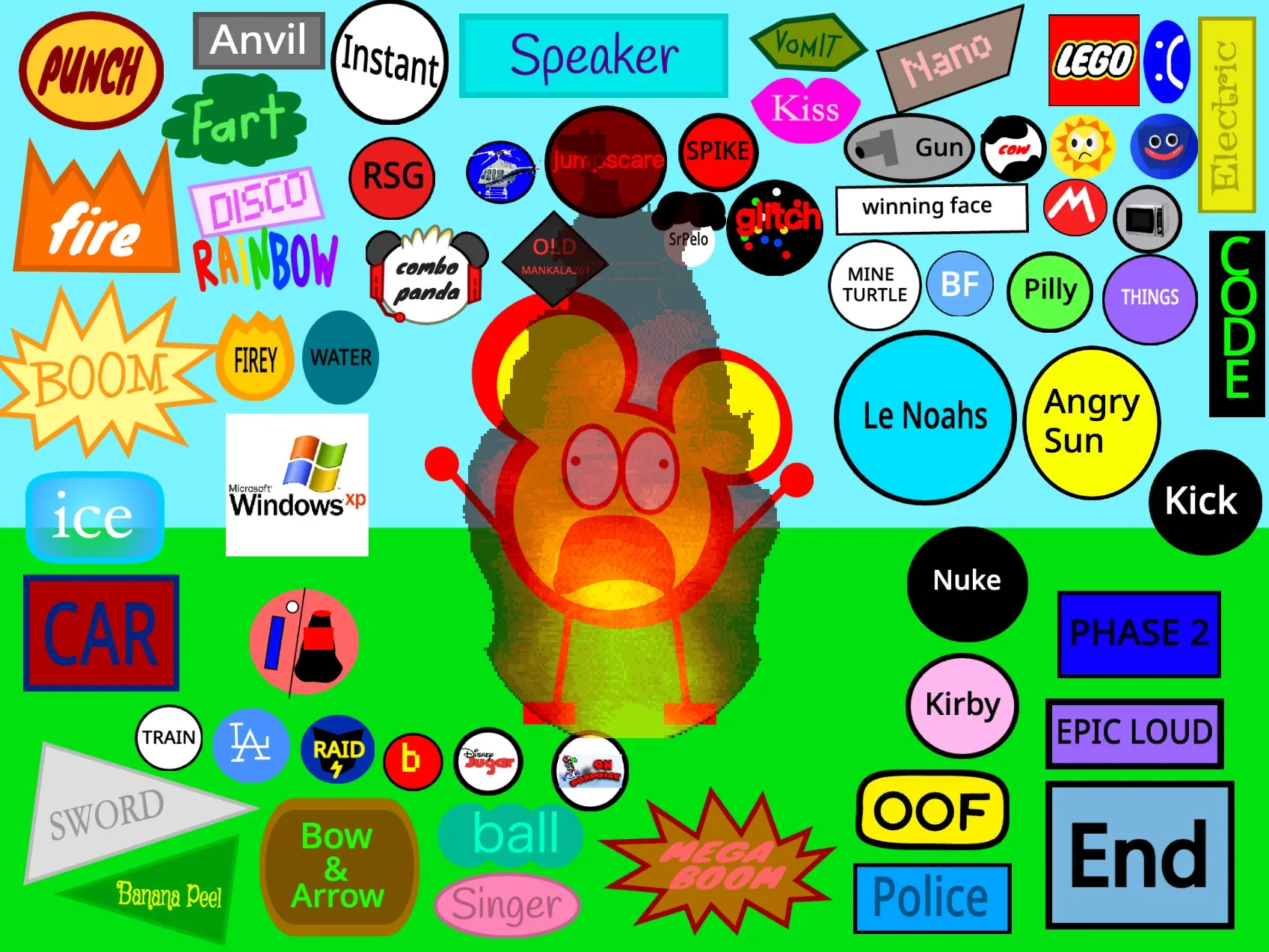
Beat up Edward SUPER DLC Remastered places a smiling yellow, red-outlined mouse-headed character in the middle of a screen packed with oversized buttons. Clicking one launches a short attack, transformation, visitor, sound gag, or visual interruption. Edward may be punched flat, frozen, startled by an anvil, blasted by an explosion, or caught in a much stranger crossover sequence. Click Edward afterward and he stands up again, ready for another experiment.
Created by @Pacuddlesfan, this edition is less a conventional fighting game than a giant reaction toybox. There is no opponent to outsmart on the main screen and no stage that must be cleared. Its appeal comes from choosing a conspicuous label, seeing how the scene interprets it, reviving Edward, and moving on to the next bit of chaos.
 4 Game Screenshots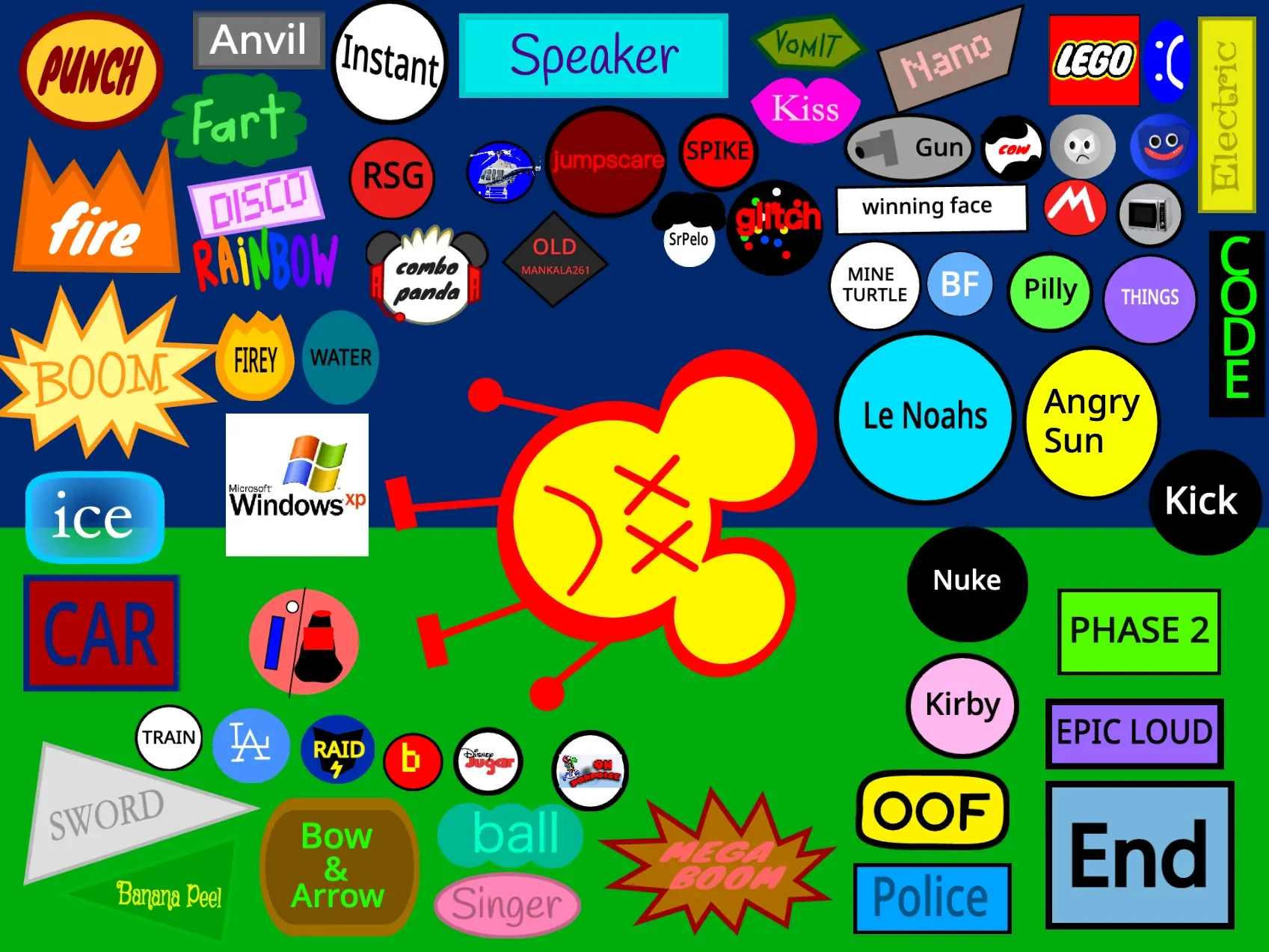
Click, React, and Revive
The basic loop is immediate. The PUNCH button sends a fist toward Edward and leaves him lying sideways with crossed-out eyes. Clicking Edward restores his upright pose and smile. Other first-page choices include Anvil, Fire, Ice, Speaker, Vomit, Kiss, Car, Sword, Bow & Arrow, Police, Mega Boom, and several deliberately cryptic icons.
Most interactions are compact scripted skits rather than systems that continue developing. One button may swap Edward into a damaged costume, another may move an object across the screen, and a more elaborate choice can temporarily take over the whole scene. The clear cause-and-effect makes individual jokes easy to understand even when the surrounding interface is almost aggressively crowded.
The humor depends on escalation. A simple punch sits beside explosions, jumpscares, internet references, unexpected guests, and buttons that appear designed to make the screen as noisy as possible. Some results are recognizable slapstick; others are deliberately obscure community memes. That unpredictability is the game’s strongest quality, although players unfamiliar with the references will inevitably find some reactions more confusing than funny.
Four Phases of Buttons and Cameos
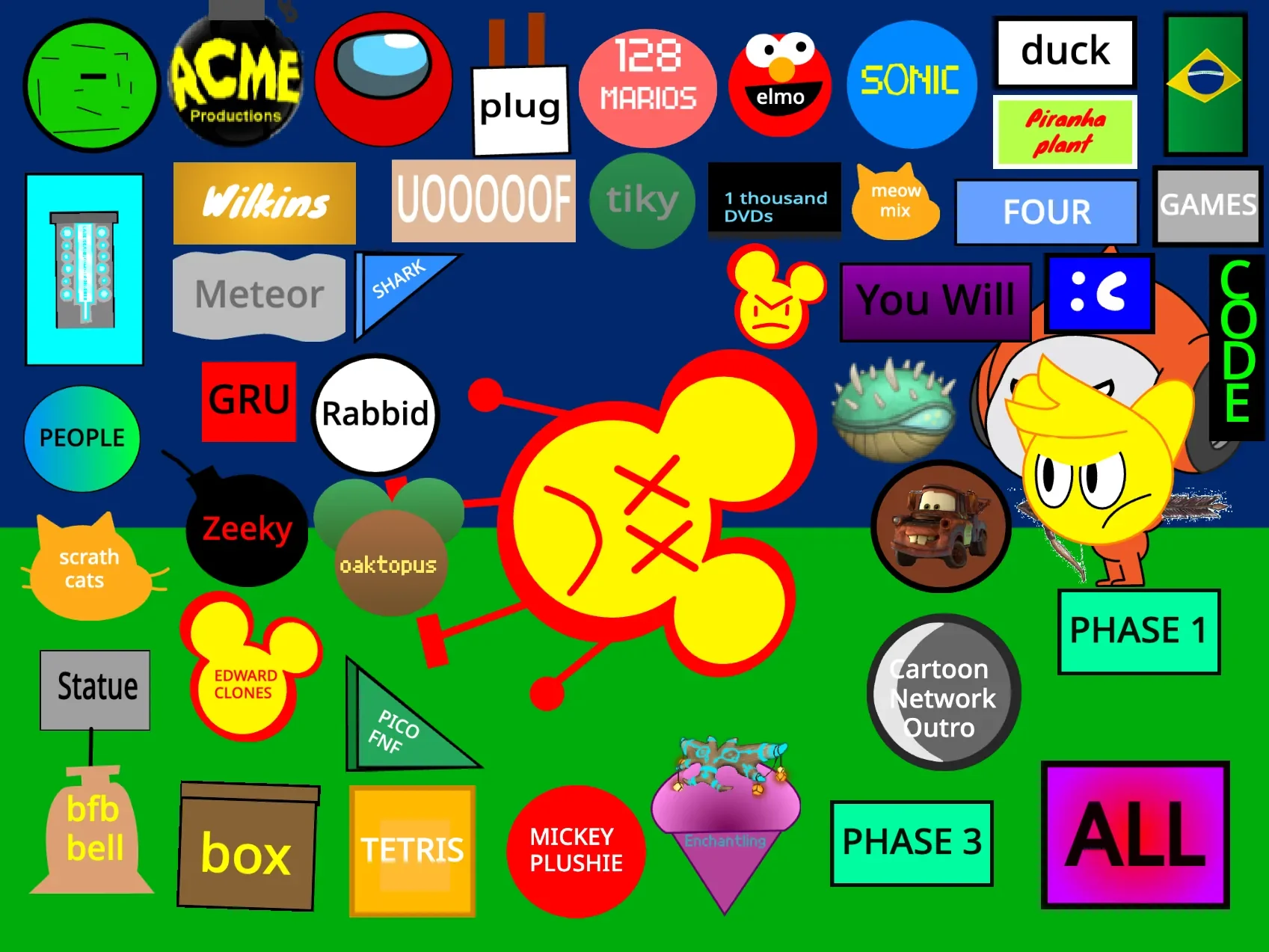
The opening page is only the first collection. Phase controls replace the entire button layout with another set of choices while keeping Edward at the center. Phase 2 introduces options such as Plug, Elmo, Sonic, Rabbid, Scratch Cats, Tetris, Edward Clones, and several unlabeled or oddly labeled icons. Activating Plug, for example, turns Edward blue and adds a large electrical plug above him.
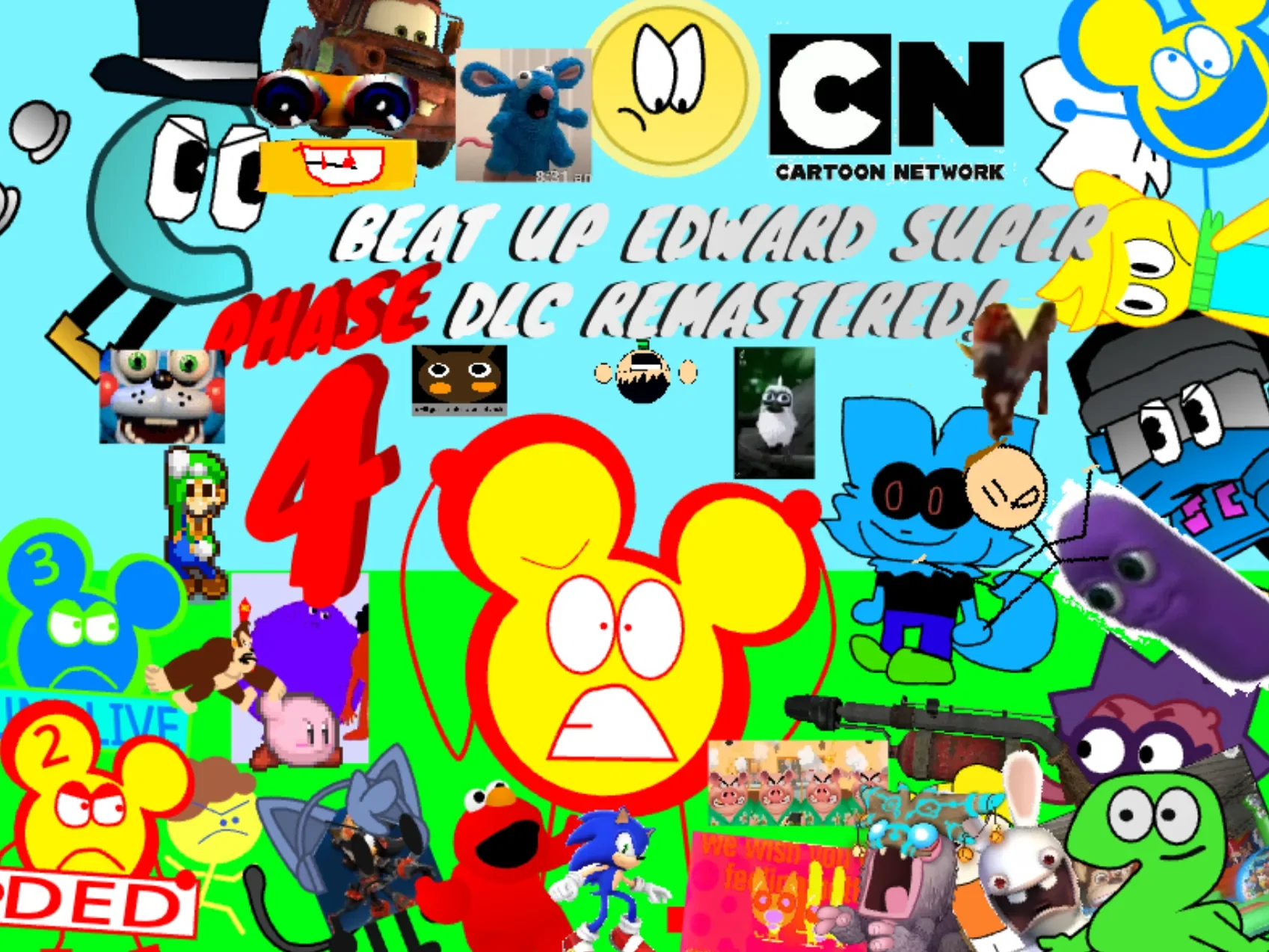
Later phase menus continue the crossover approach with community characters, mascots, parody logos, animated sequences, and alternate Edward material. The public update history specifically identifies additions such as Mario, Sonic, Kirby, SpongeBob, Baldi, Edward 2, Edward 3, and a Phase 4 collection. These are cameo-triggered reactions rather than a playable ensemble or multiplayer roster.
The number of choices gives the project far more breadth than its simple revive loop suggests. It also makes navigation messy. Labels vary from clean typography to tiny images and hand-drawn badges, and several buttons give little indication of what they will trigger. Exploration is part of the point, but finding one particular reaction again can be awkward.
Codes, Ending, and Extra Layers
The CODE button opens an active text prompt for hidden combinations listed in the game’s instructions. Nine published codes include RUN.GOBO.RUN!, Classic!, A_L_L, GAMES, Cart00ns, and LOUD. These are not cosmetic passwords: accepted answers launch chains of broadcasts that combine multiple attacks, characters, sounds, and visual events. Incorrect text produces an error instead.
There is also a deliberate ending instead of a traditional victory condition. Pressing End leaves the button arena and reaches a separate “THE END” screen with Love, Favorite, and Follow prompts alongside a Pacuddlesfan character. It functions as a manual exit from the sandbox rather than a reward unlocked by defeating Edward a required number of times.
Players should take the project’s content warning seriously. Several options involve flashing images, jumpscares, sudden visual changes, and intentionally loud sounds. The cartoon presentation keeps the violence abstract, but the experience is not designed for players who are sensitive to those effects.
A Huge Toybox with a Heavy Startup
The project’s scale is both its achievement and its main limitation. Hundreds of event-driven reactions, costumes, sounds, phase buttons, and crossover appearances create an unusually large menu of one-shot discoveries. At its best, the game delivers a precise little sequence: choose an absurd setup, watch Edward’s expression or body change, and restore him with one click.
That volume also produces a substantial initial load. The Scratch player may spend an extended period preparing blocks, sprites, and sounds before the game becomes available. Once loaded, the visual density remains high, especially on the later menu pages. There is no guided path through the collection, and the quality and clarity of individual gags vary considerably.
Beat up Edward SUPER DLC Remastered works best for players who enjoy browsing community remix culture, recognizing old internet references, and testing every mysterious button. Anyone seeking combat strategy, score progression, or a structured campaign will find little of that here. The game is instead a sprawling catalog of cartoon reactions held together by one durable joke: whatever happens to Edward, a click brings him back for the next button.
Related Reaction Sandboxes
For another single-character experiment built around tools and visible damage states, Kick the Buddy but with Oren adds loose ragdoll physics and draggable objects. Attack Sprunki 4.3 offers a similarly crowded selection of tools and character reactions in a broader sandbox format.
![AY in Tick Drop! [MY uae_flag] game cover](https://fortcade.com/wp-content/uploads/2026/10/ay-in-tick-drop-my-uae-flag-225x300.webp)