
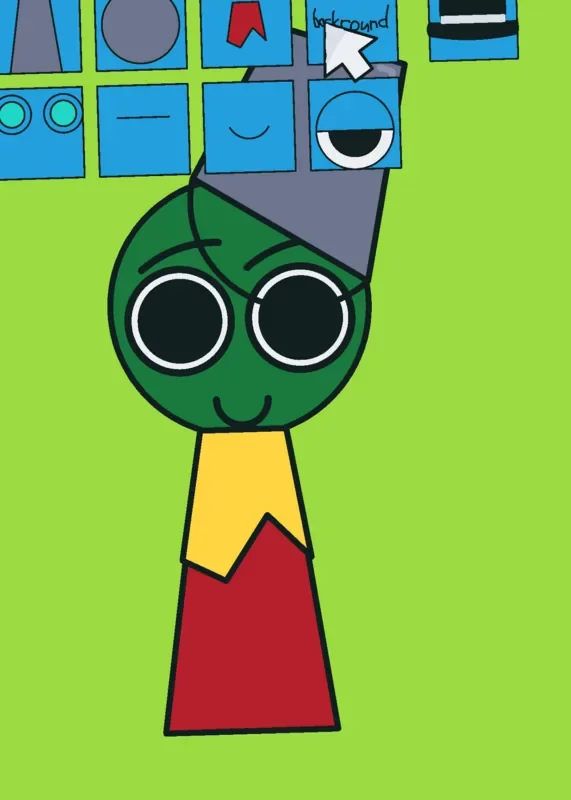
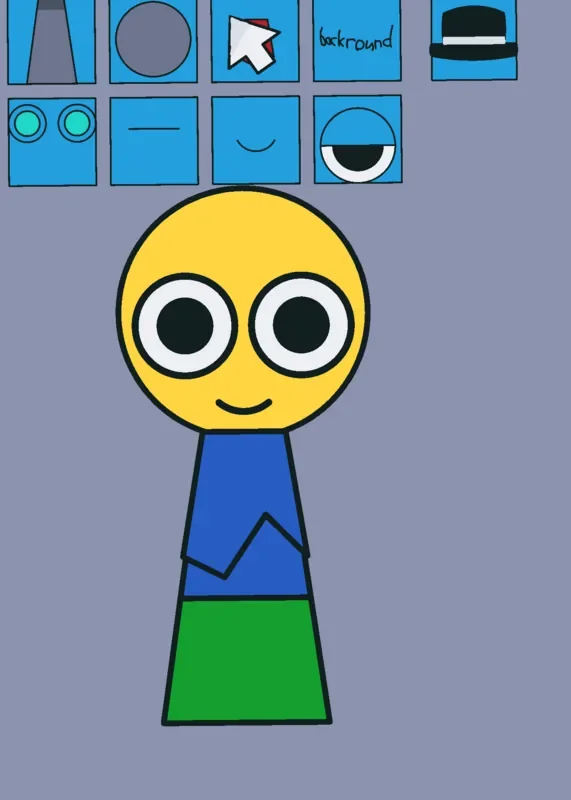
Sprunki OC Studio by @Top_Cosmo starts with a gray, sleepy-eyed character and a row of blue picture buttons. Tap a button and one part of the character changes in place. A red scarf appears around the neck; another tap can add turquoise ears, turn the head white, change the eyes or mouth, or put a dark hat on top. The pleasure is in seeing how a few small choices alter the whole face.
 3 Game Screenshots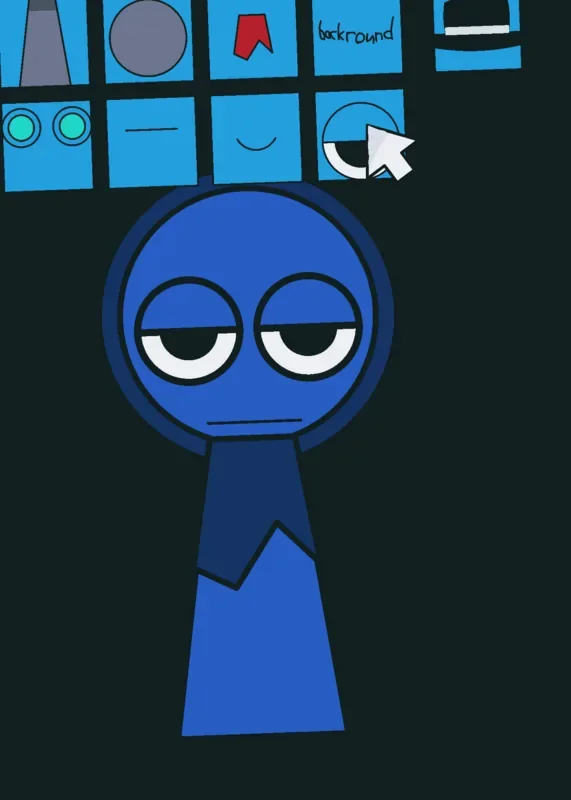
Build the Character Piece by Piece
Nine buttons control the body, head, scarf, background, headwear, ears, eyebrows, mouth, and eyes. Each tap cycles the chosen part to another look. The portrait screen keeps the character large and the controls close together, so it is easy to compare a new expression with the one you had a moment before.
The background has its own button, too. Changing the muted gray setting to a warm terracotta color makes the same character feel noticeably different without changing its features. You can keep cycling parts and combine them into a Sprunki-style original character.
A Small Canvas for Sprunki Fans
The familiar round head and simple body give you a starting shape, while the feature choices leave room to make it your own. A white head might bring Wenda to mind, but the activity is assembling a look, not choosing a named character from a cast menu. The character names in the Castle description work best as inspiration for what players might try to make.
This is a compact visual toy. Its single-screen loop gives immediate feedback when a feature changes, though there is little sense of progression beyond refining the design. Players who enjoy trying different faces, colors, and accessories will find more to do here than players looking for a sequence of levels.
For another take on designing a character, see Make Your Own Sprunki OC.






![AY in Tick Drop! [MY uae_flag] game cover](https://fortcade.com/wp-content/uploads/2026/10/ay-in-tick-drop-my-uae-flag-225x300.webp)