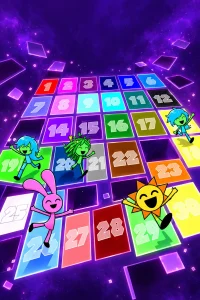
Selecting a phase on the opening grid of Mr SUN in ALL Different Phases (Phase -25 +3) immediately places players inside a self-contained character sandbox rather than a traditional platformer or puzzle stage. Created by @neyrobsonfilho, this fan-made Sprunki experience presents a massive portrait-format menu filled with dozens of handwritten tiles and custom illustrations. Instead of navigating a linear campaign or fighting bosses, players jump directly between contrasting forms of Mr. Sun, testing how each variation reacts under Castle's built-in ragdoll physics.
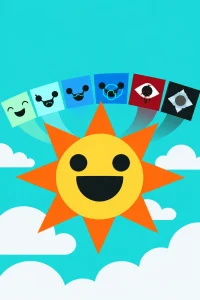
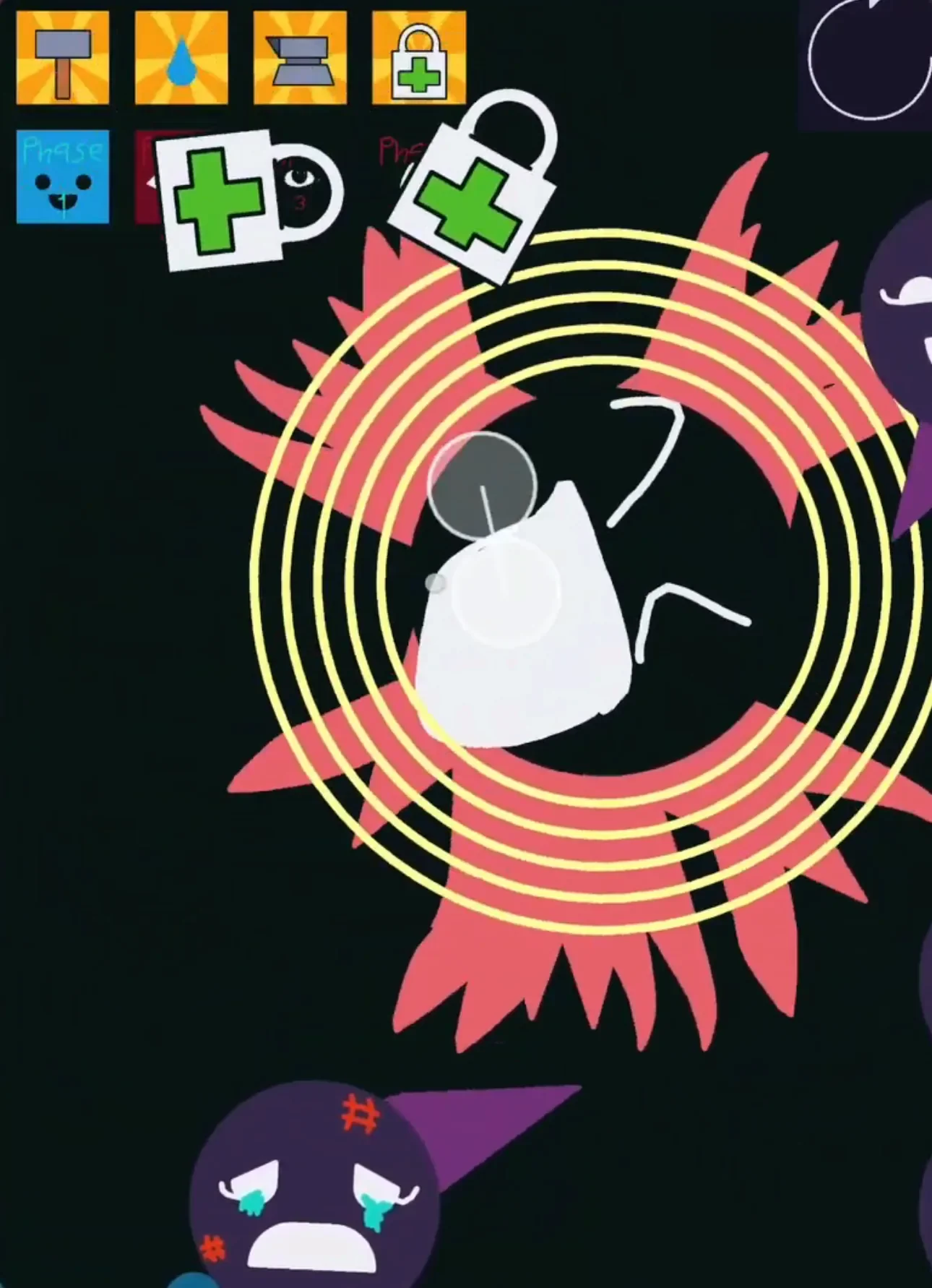
The central screen sets a baseline with a large, cheerful smiling sun floating alongside pastel clouds. Tapping a numbered square on the main grid or picking a special form from the lower row instantly swaps the environment and figure. Selecting a dark phase shifts the scene from a bright sky to a black backdrop where a pale central face is ringed by long gray points and red runic markings. Grabbed with a cursor or finger, the entire figure shifts, rotates, and tumbles in real time, responding dynamically to direct tugs and collisions.
 3 Game Screenshots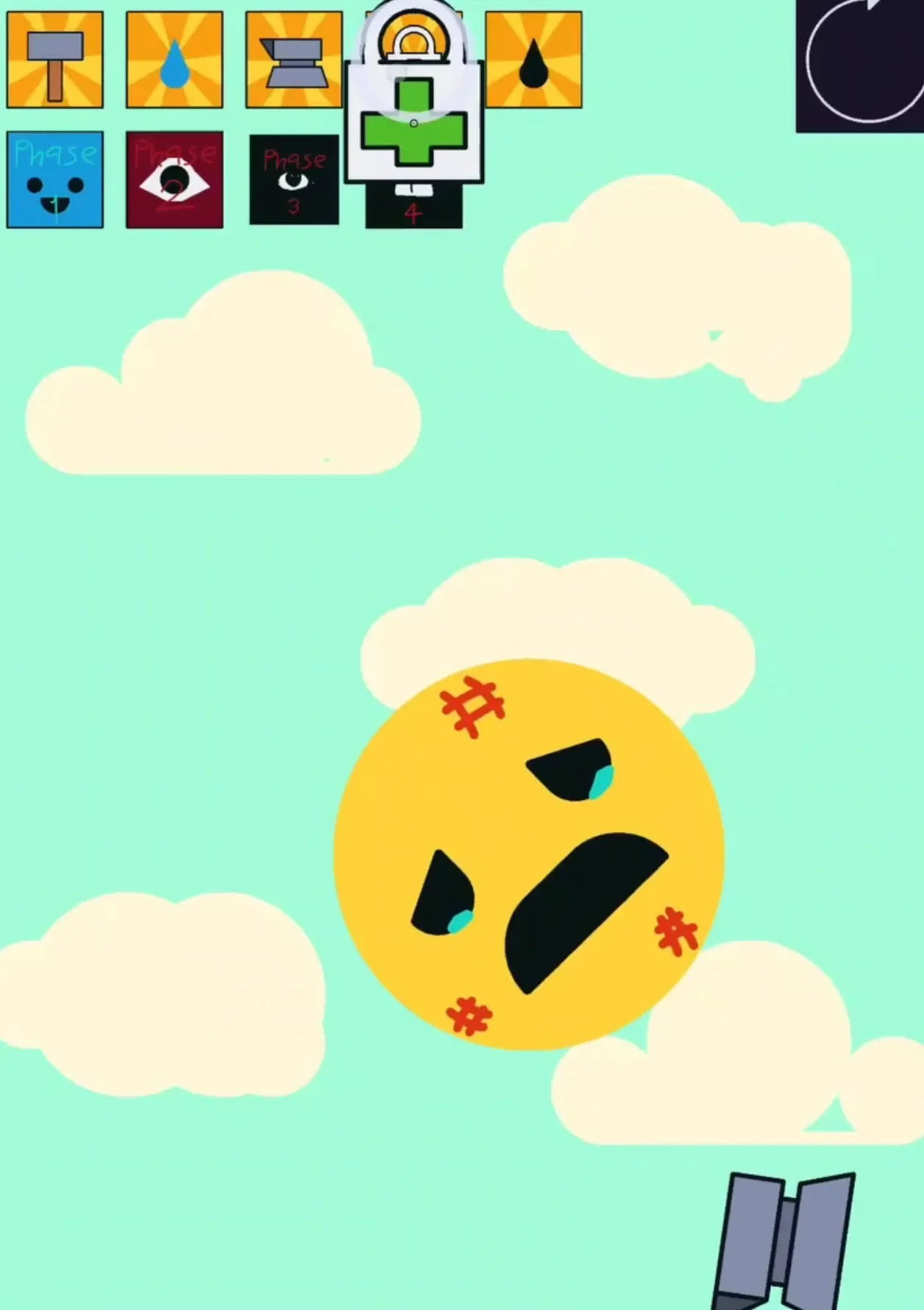
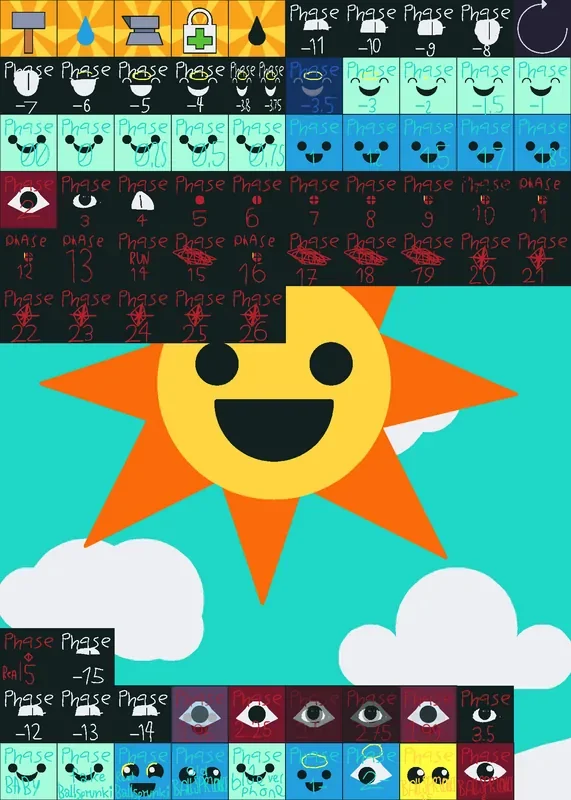
Exploring the Phase Menu and Environment Variety
While the formal title highlights a parenthetical range of "Phase -25 +3," the menu layout and video subtitles present a slightly different arrangement. The upper section of the portrait grid covers phases numbered from -11 through 26, while the bottom special-form row spans Phase -15 through +3.5. This lower tier houses distinct character variants such as Phase Baby, Fake, and Ballie. Rather than adhering to an official canon chronology, the game serves as an expansive community interpretation where each phase provides its own visual identity.
The game contains 69 bundled Castle cards matched to 69 local scene files, ensuring that every button on the main hub opens a dedicated room. Moving from a cheerful scene to a turquoise cloud setting or a heavily corrupted arena demonstrates that these phases are materially distinct environments rather than simple palette swaps. Throughout the internal project files, labels like "Empty blueprint" appear on active stage actors; these represent standard editor designations attached to active actors inside playable scenes rather than leftover or abandoned prototypes.
Audio plays an active role in establishing these atmosphere changes. Sounds, musical clips, and tone responses are attached directly to specific transformations and scenes. Jumping from a calm, pastel backdrop to an unsettling, red-marked void pairs visual disruption with distinct audio cues, reinforcing the shift between friendly and hostile silhouettes.
Sandbox Controls and Unlabeled Tools
Once inside a specific phase, players manipulate Mr. Sun primarily through direct dragging and physics interaction. A standard row of five pictorial tool icons sits across the top of most character stages:
- A gray impact or hammer-like tool
- A water-drop icon
- A press or anvil-like icon
- A first-aid kit stamped with a lock symbol
- A dark drop
These tool icons contain no text descriptions or tutorial pop-ups, leaving players to discover their function through trial and error. Feedback from these items varies depending on the loaded scene. For instance, selecting the gray impact tool in the dark ragdoll stage produces character movement, though its exact effect is difficult to separate from the figure's natural physics momentum. Applying the water-drop tool in the bright cloud environment yields no unmistakable visual change, making direct mouse or touch dragging the most reliable way to interact with Mr. Sun.
A separate circular restart button in the upper-right corner resets the physics state and repositions the character. In heavily active ragdoll stages, the freshly spawned figure resumes moving almost immediately after the reset button is clicked. For players exploring these interactive figures on Fortcade, physical manipulation remains the primary way to observe how different facial structures, exposed eyes, and fractured silhouettes hold together under motion.
Structure, Scope, and Technical Observations
The overarching gameplay loop remains open-ended and exploratory throughout:
- Browse the opening phase selection menu.
- Select a numbered phase or special form.
- Drag, rotate, and drop Mr. Sun across the environment.
- Experiment with the top tool icons or trigger the scene reset.
- Return to the main menu to inspect another variant.
Players looking for traditional victory conditions, high scores, or narrative endings will not find them here. While deeper scene scripts contain timed triggers and collision-based navigation, runtime testing confirms there is no functional final battle or conclusive story finale. Nine individual scenes contain script references to seven external card IDs that are not included in the local file manifest. Because these target scenes are unresolved in the local build, they function as inactive remnants rather than playable secret endings.
The interface is designed primarily for quick visual comparison, though it carries a few accessibility hurdles. Many handwritten numbers and labels on the opening menu are extremely small, making them harder to read on larger desktop displays compared to mobile touchscreens. Additionally, while fresh browser instances load and run reliably, repeated scene reloads can occasionally freeze input on the main hub. Refreshing or launching a clean instance restores normal touch and cursor input, ensuring full access to the complete 69-card showcase.