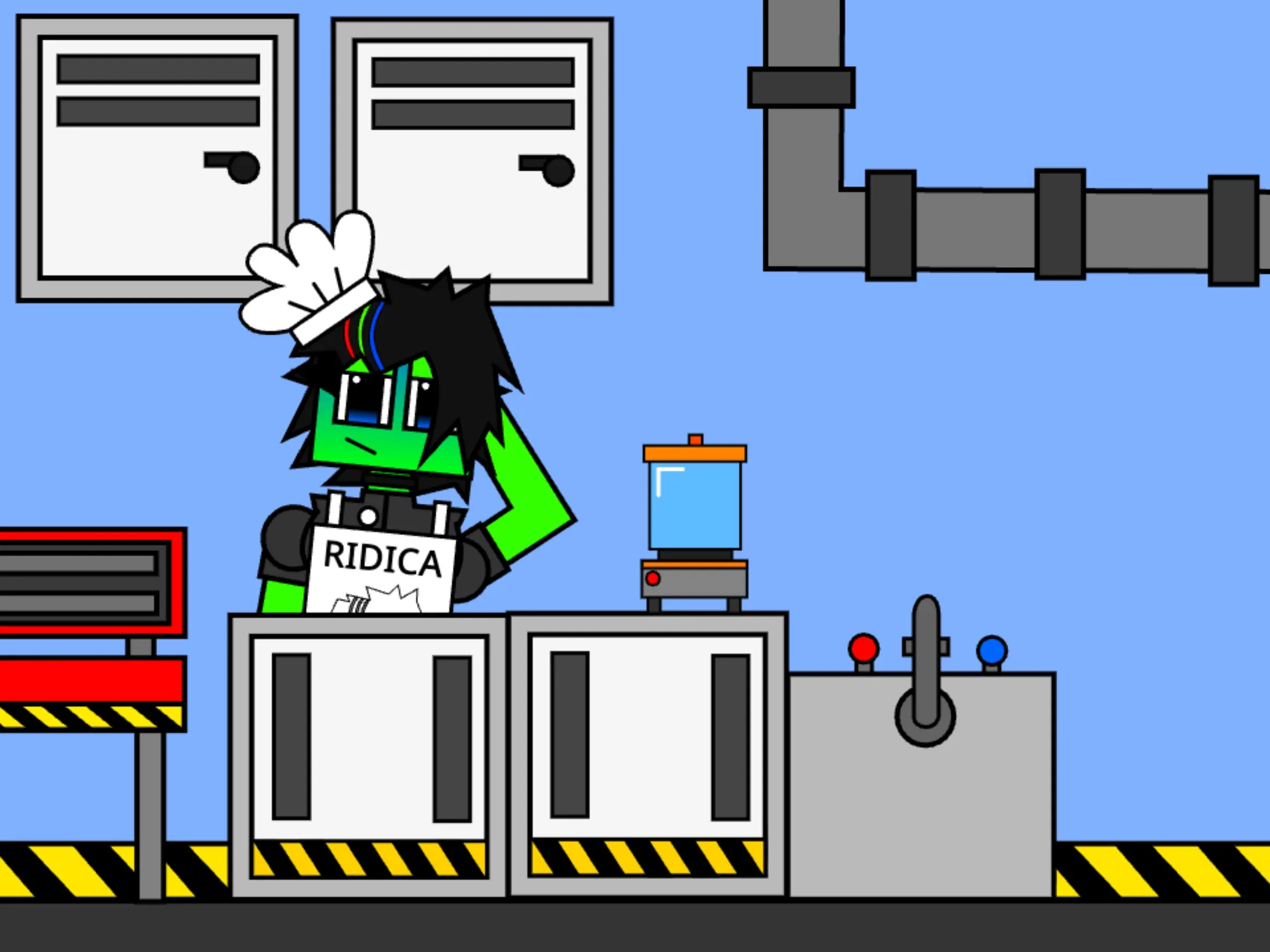
A weary scientist wearing a chef’s hat and holding a frying pan needs immediate help behind the counter as eccentric visitors queue up for takeout. In Ridica’s Chaotic Takeout Kitchen, originally titled Ridica Diner Food, preparing meals is less about culinary accuracy or restaurant management and more about triggering slapstick cooking animations. Players select one of four menu options, assemble the dish through sequential clicks, seal the item inside a radiation-marked box, and deliver it to an endless line of patrons.
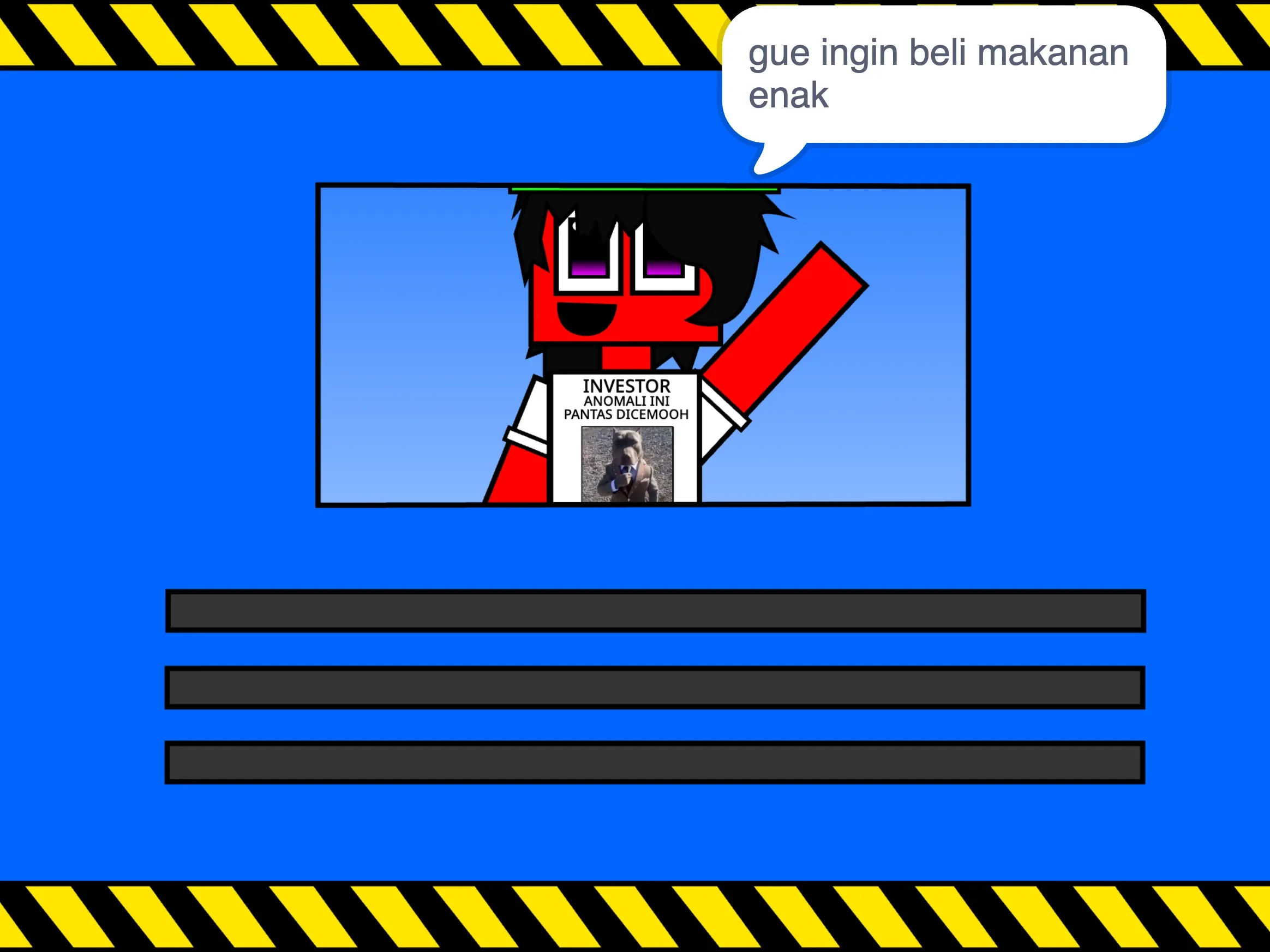
The game opens with an Indonesian-language backstory explaining that Ridica—a green, rectangular character wearing a heavy apron, dark hair, and a pan on one arm—is completely overwhelmed by the lunch rush. She claims to be a CEO whose laboratory was destroyed in a failed experiment. While this narrative setup does not evolve into an extended story mode, it establishes the cartoonish tone before kitchen operations begin. The experience contains no customer patience meters, money counters, menu upgrades, or risk of failure; progress relies entirely on completing the active order.
 4 Game Screenshots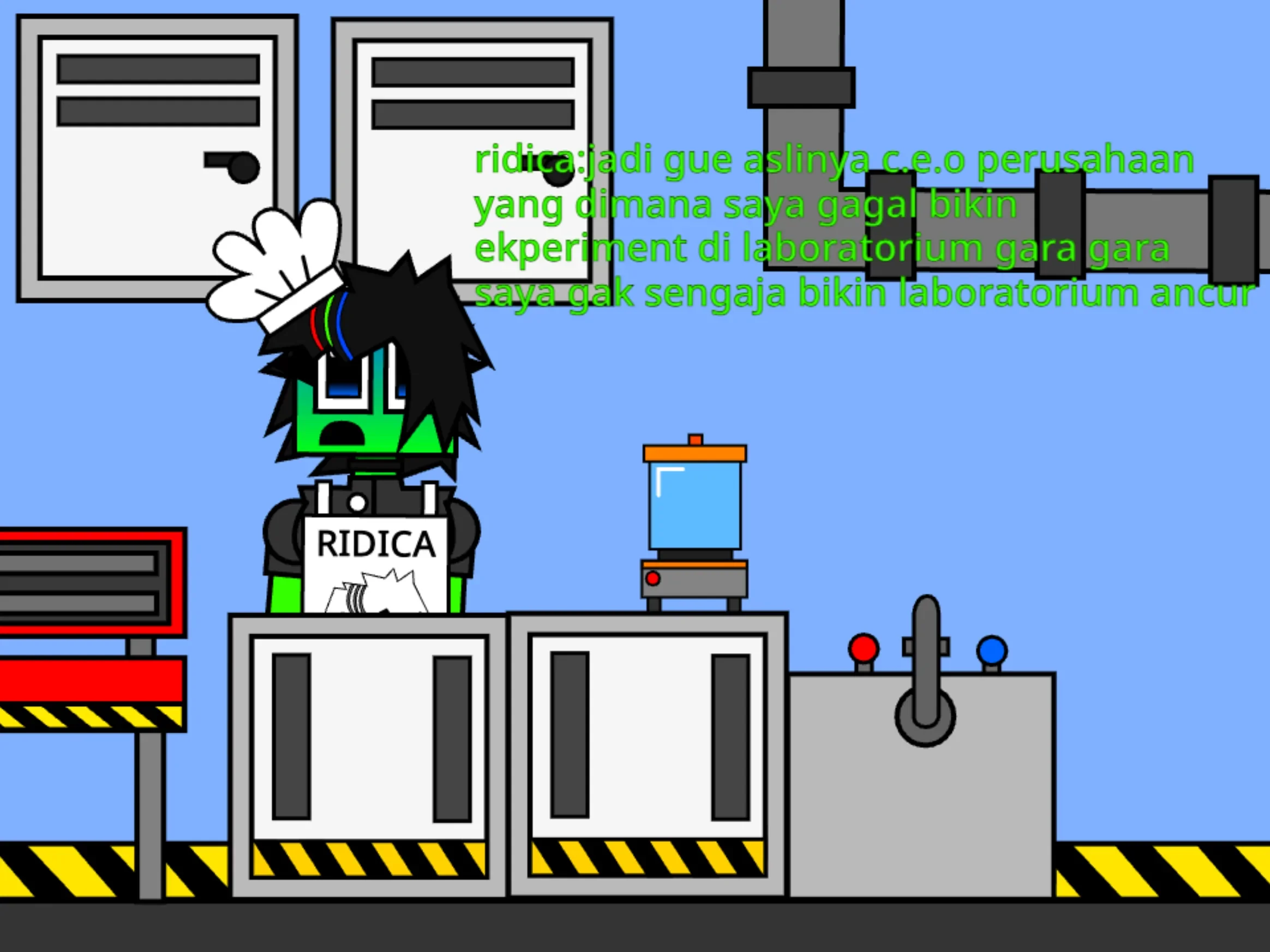
Customizing Orders for Three Eccentric Customers
The service window introduces three recurring patrons: Tommy Hindirna, Sabrina Houndy, and Naskrebo Yundrina. Each character approaches the counter individually with randomized speech bubbles. Rather than demanding a specific dish, their greetings ask for general food, granting the player full freedom to choose whichever recipe they want to prepare.
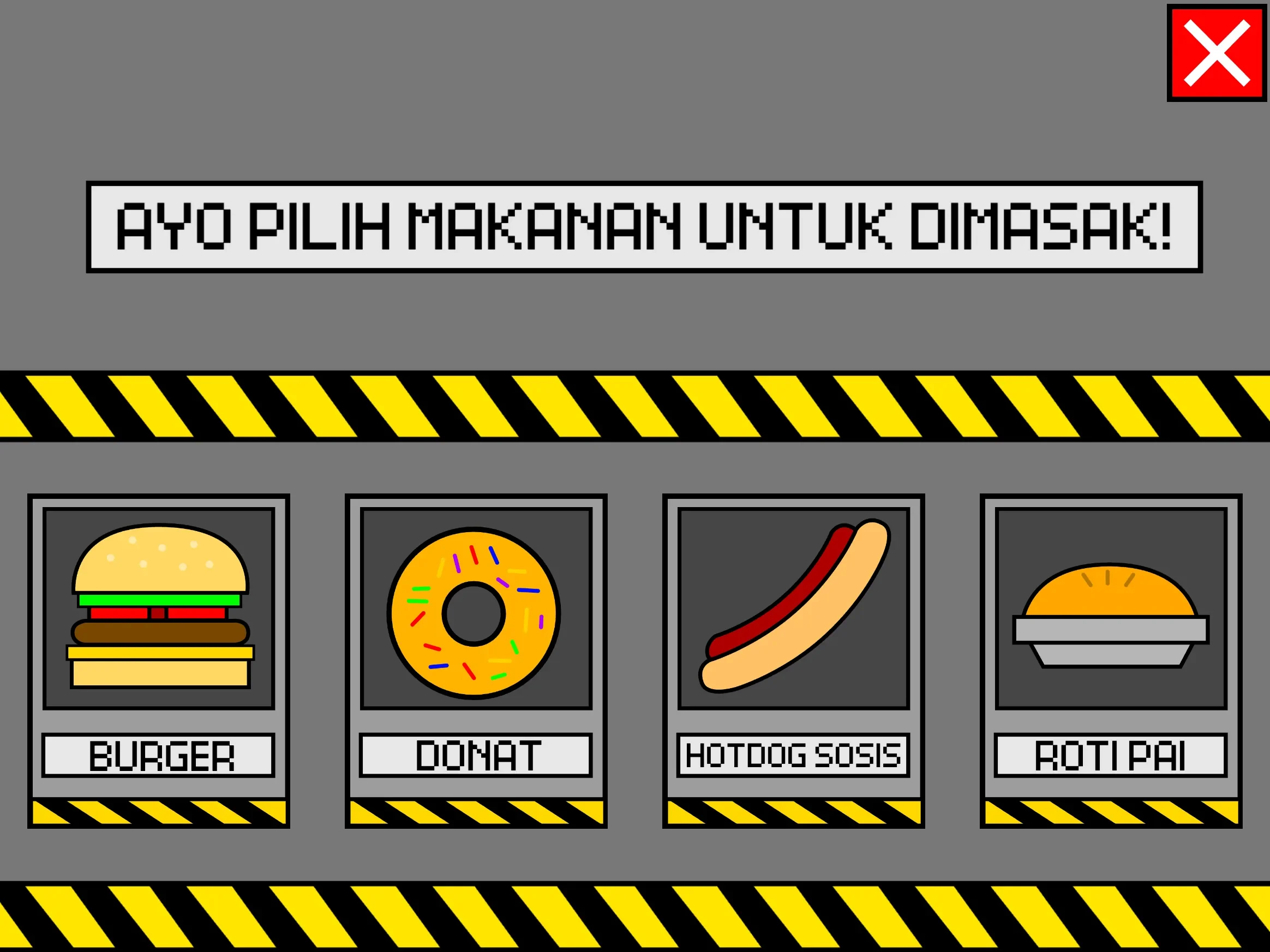
Opening the food selection panel reveals four distinct options:
- Burger: A six-stage recipe requiring the bottom bun, cheese, meat, tomato, a square vegetable layer, and the top bun.
- Donut: A three-stage preparation moving from flour dough to frying or baking machinery and finishing with decorative sprinkles.
- Pie: A two-stage recipe where flour is mixed in a metal bowl before the unbaked pastry goes into an oven for an extended costume-changing sequence.
- Sausage Hot Dog: A single-step assembly where placing the sausage into the bread immediately triggers packaging, accompanied by developer commentary poking fun at shortcut scripts.
Each recipe operates on a fixed sequence. Prompts on screen identify the required ingredient or appliance, and clicking the correct item triggers a dedicated full-screen clip, increments the step counter, and presents the next action. Clicking incorrect background items results in no penalty or failure state; the game simply waits until the specified object is selected.
Visual Styles, Hazard Framing, and Sound Effects
The kitchen environment swaps standard restaurant decor for industrial visual elements. Thick black-and-yellow hazard stripes frame the work areas, while appliances resemble improvised laboratory machinery. Finished meals are automatically packed into stark white delivery boxes stamped with prominent radiation symbols before customers accept them and walk away.
The presentation relies heavily on exaggerated sound design and meme-inspired audio clips. Cooking transitions frequently jump into extended slapstick scenes where ingredients tumble across the screen, machinery shakes, and doors slam shut. The soundtrack blends cheerful menu melodies with mechanical clicks, quacks, impact noises, and vocal clips. Because the burger recipe involves six separate assembly stages and individual loading transitions, its heavy audio cues repeat more frequently than those in the shorter recipes.
Written text throughout the experience is presented exclusively in Indonesian, containing jokes, exaggerations, and commentary embedded directly into the recipe prompts. Non-Indonesian speakers can still follow the visual prompts and ingredient icons to complete orders, though the written dialogue and background humor will remain untranslated.
Interface Controls and Navigation
Created by @sbretzh_corporation, the title relies entirely on mouse inputs to navigate menus, select recipes, and trigger cooking steps.
| Action | Input | Result |
|---|---|---|
| Navigate main menu | Left click | Starts story mode or opens secondary screens |
| View recipe list | Click bread category | Displays the four available food cards |
| Choose a recipe | Click food card | Loads the first ingredient instruction |
| Prepare ingredient | Click requested object | Plays cooking clip and advances recipe counter |
| Restart experience | Click green flag | Returns to the animated main menu |
The main menu features bright background wave patterns alongside several navigation options, including Settings, Photo Gallery, and What’s New. In Version 1.10, Settings acts as a simple music toggle, while the Photo Gallery displays a placeholder note explaining it has not been built yet, and What’s New confirms there are no recent updates.
On platforms like Fortcade, the experience functions as an interactive cartoon cookbook rather than a high-pressure cooking simulator. Because customer demand never increases and recipes cannot be ruined, the primary activity lies in watching the unpredictable preparation skits unfold across each dish.
Once all four recipes have been prepared and their individual skits seen, the infinite customer loop offers no further unlockable content or mechanical escalation. The game remains best suited for short sessions focused on observing Ridica's outlandish kitchen machinery and energetic visual skits.