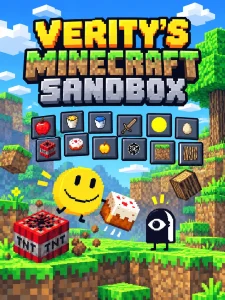
Lord Verity: Kick the Buddy is the physics sandbox featured in the opening segment of PghLFilms’ “Lord Verity, but KICK THE BUDDY??”. Open the box, drag Verity, and spawn weapons, food, blocks, and potions to experiment with his health and movement. The sandbox was made by @glibbleglobble.
Verity is a round yellow face with changing expressions and a yellow motion trail. He hops on his own while you arrange the scene around him. Play revolves around repeatable experiments: fire the bow, heal him with an apple, blow a hole in the ground, or change how he moves with a potion.
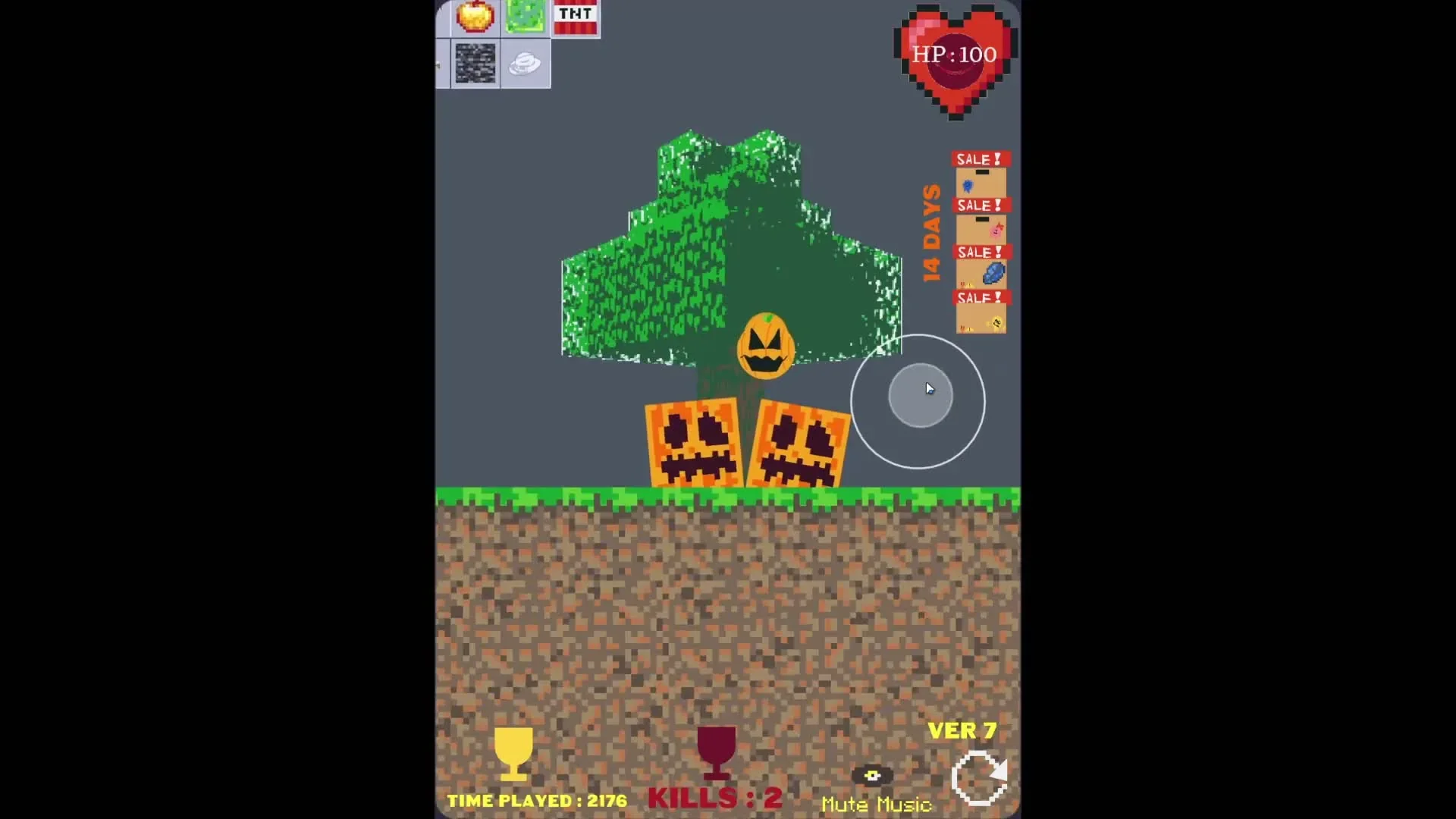
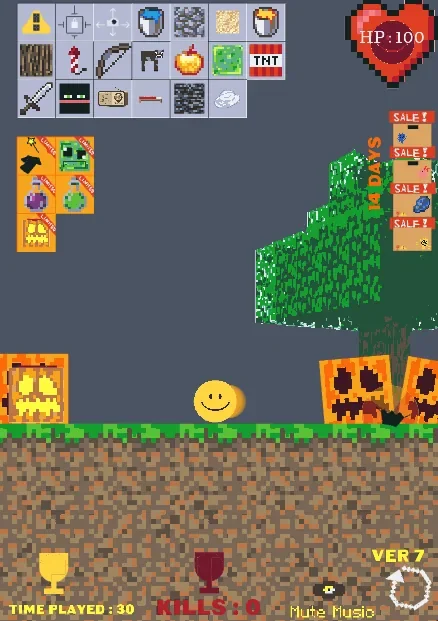 4 Game Screenshots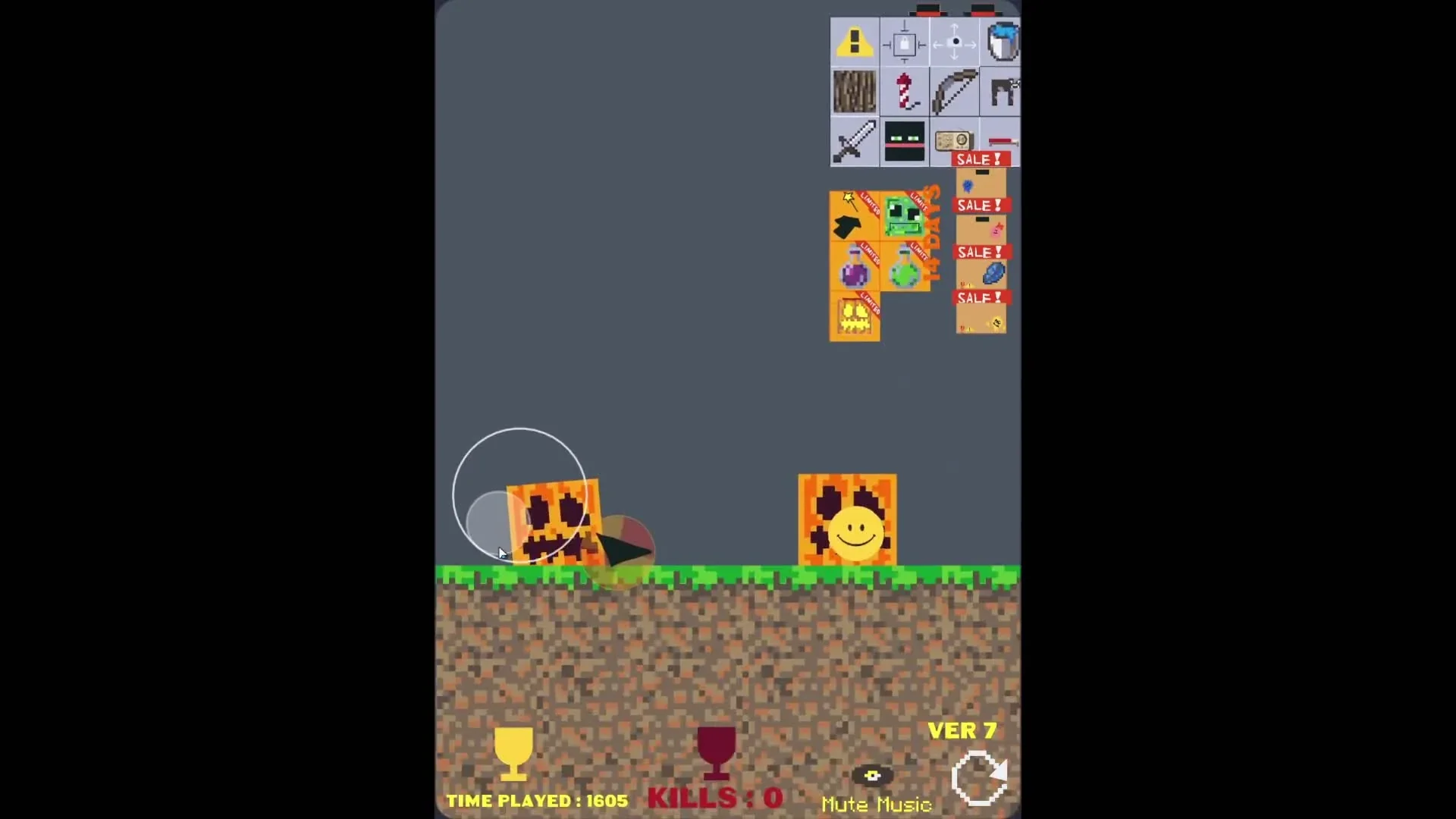
How do you play Lord Verity: Kick the Buddy?
Click or tap the starting box to release Verity, then use the upper-left toolbar to spawn props. Each icon creates a physical object below the toolbar. Find that object in the scene and interact with it; clicking the icon alone does not apply its effect to Verity.
| Action | Input |
|---|---|
| Release Verity | Click or tap the starting box. |
| Spawn a prop | Click or tap its toolbar icon. |
| Move Verity or a movable prop | Press directly on it, hold, drag, and release. |
| Prevent blocks from being dragged | Use the lock icon. |
| Pan the view | Activate the four-arrow camera icon, then hold and drag in the play area. |
Start with one prop so you can follow what happens. Verity moves without your input, which makes a rushed grab easy to miss. Hold directly on the object before dragging; swiping an empty part of the scene will not pick it up.
How do the bow, TNT, and buckets work?
Spawn these props first, then operate the object in the play area. The bow fires when tapped, TNT needs its fuse lit, and buckets release their contents when tapped.
Bow: drag it out, then tap the wooden body
The bow takes a slow, sustained drag to reposition. Move it clear of the toolbar, release it, and click or tap its curved wooden body to shoot. Its projectiles turn toward Verity and reduce his health when they hit.
This was the most repeatable damage setup in testing: sustained bow fire took Verity from full health to zero. It avoids the extra task of repeatedly lining his moving face up with a stationary sword or patch of lava.
TNT: light the fuse and leave room for the blast
Tap a spawned TNT block to start its fuse. After the delay, the explosion throws nearby props and cuts a crater into the ground. Closely grouped TNT can produce a chain of explosions and a much larger hole.
Use one block first if you want to compare the result. A larger blast changes where props settle and where Verity can fall, so later experiments may behave differently on the damaged terrain.
Buckets, apples, and potions: make contact count
Tap a physical bucket to release its liquid. Lava reduces Verity's health on contact. Golden apples restore health when brought into contact with him, then disappear. Move him clear of a hazard before healing: during testing, an apple restored health, but further lava contact immediately took some away again.
The tested Halloween build also includes two movement potions. The purple potion disappears on contact and makes Verity float upward; he stayed against the top of the play area across subsequent observations. The green potion gives him a springier bounce. Try each in a fresh scene before mixing them with weapons and obstacles.
What happens when Verity's health reaches zero?
Verity's death automatically restarts the scene with full health and adds one to the Kills counter. Open the fresh box to begin again.
In our Ver7 test, repeated bow shots emptied the heart, the scene restarted at 100 health, and Kills increased to 1. The time-played counter continued through the restart. This is a repeatable sandbox loop; the death did not lead to a final victory screen.
Does clearing the screen restore the ground?
No. The yellow warning icon clears spawned objects, but the circular reset arrow at the lower right restores the terrain. After a TNT chain blast, clearing the loose objects left the crater in place. A manual reset brought back the original ground and starting box.
| Control | Result observed in testing |
|---|---|
| Yellow warning icon | Removed spawned objects; the crater remained. |
| Circular reset arrow | Restored the scene, ground, starting box, and full health. |
| Time-played counter | Continued through manual and automatic restarts. |
Use clear when you want fewer props but still want to experiment with the hole you made. Use reset when you want to compare an experiment on the original flat ground.
How do you unlock the pumpkin character?
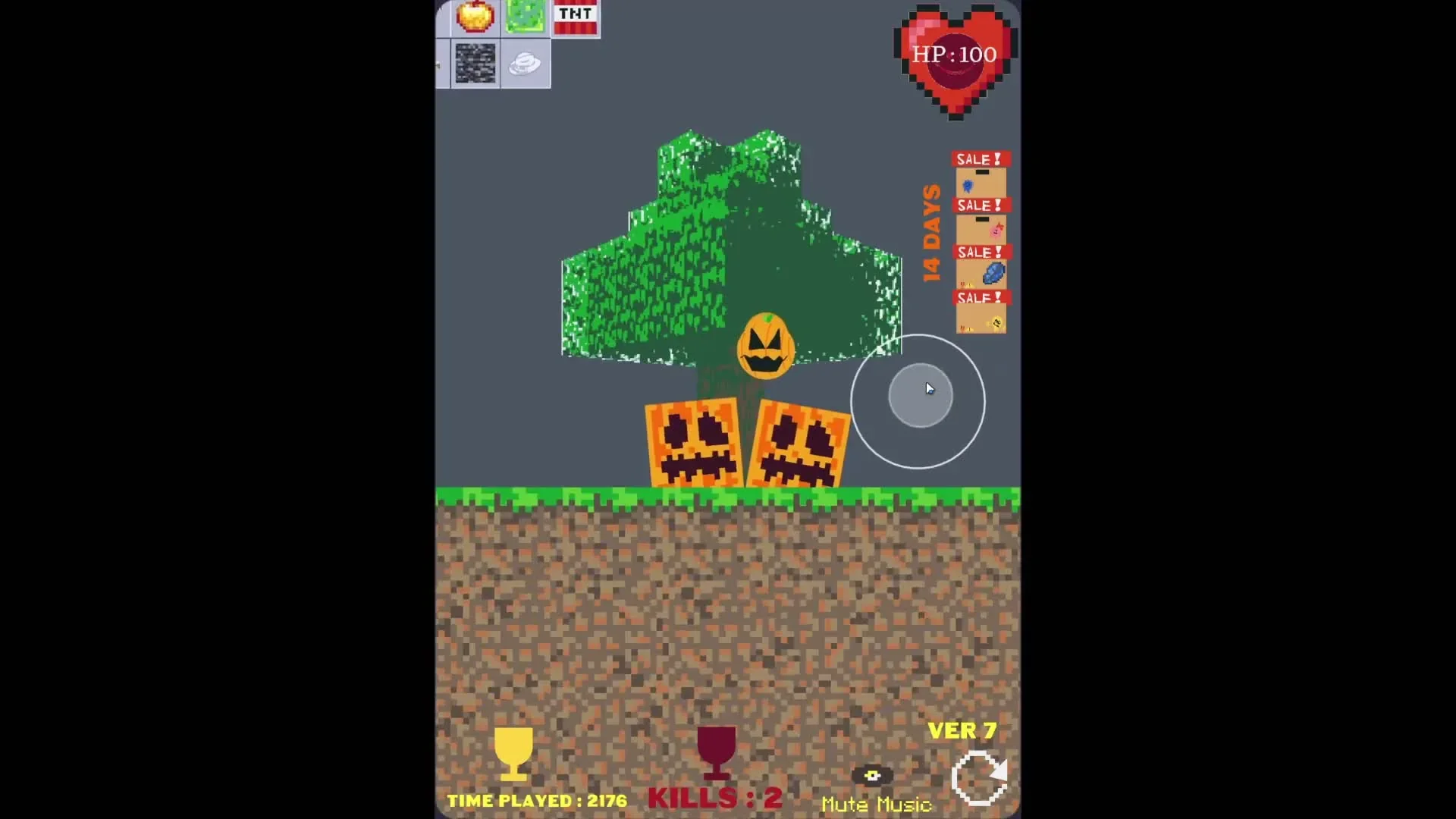
Collect all three black pumpkin-face pieces, then open the orange reward box that becomes available. The reward releases an additional round, pumpkin-faced character into the sandbox.
The pieces are spread beyond a single screen. Inspect the starting area, activate the four-arrow camera control, and pan toward both sides to search the surrounding ground. Tap each piece directly; moving the camera past one does not collect it.
All three pieces and the reward were reached through normal play in the tested Ver7 Halloween build. The reward remained available after a manual reset in the same session. Seasonal availability may change in later builds.
More character sandbox games
For another character-centered physics toybox, try Kick the Buddy but with Oren. For a separate feeding-focused game featuring Verity, see Bottomless Appetite: Feed It Anything.