Clicking a single button on the crowded newsroom console in Tom And Ben News Extravaganza More 50 Buttons can trigger a boxing-glove launcher, knock an anchor from his chair, or summon SpongeBob into the studio over an argument about a drink. Created by @KhaleefSyahmie, this interactive collection transforms the familiar Talking Tom and Ben news desk into a dense showcase of slapstick skits and animation cameos. Rather than managing a live television broadcast or chasing a high score, players click across an extensive array of 50 circular icons to test how each command interrupts the program.
 4 Game Screenshots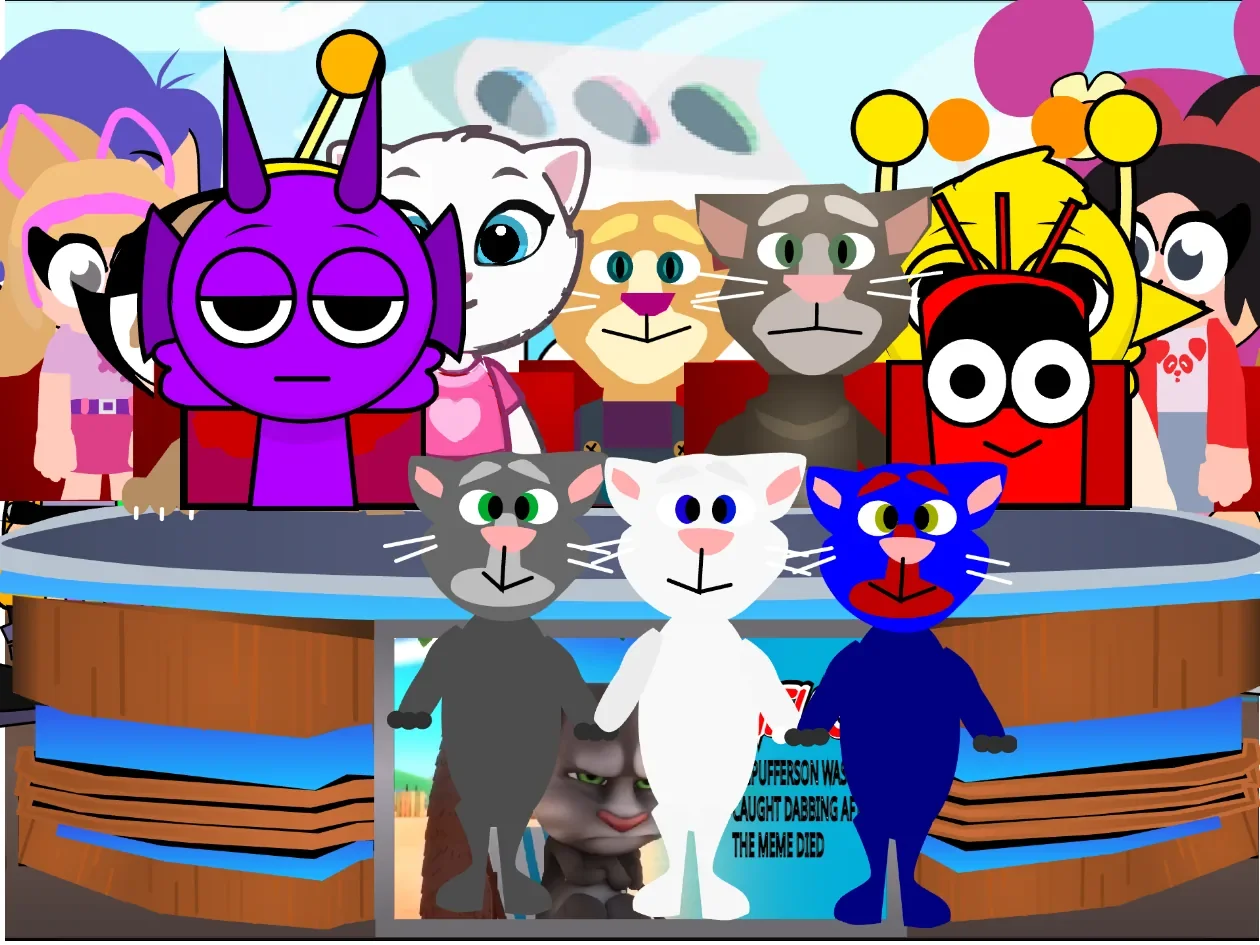
A Packed Broadcast Desk Built for Instability
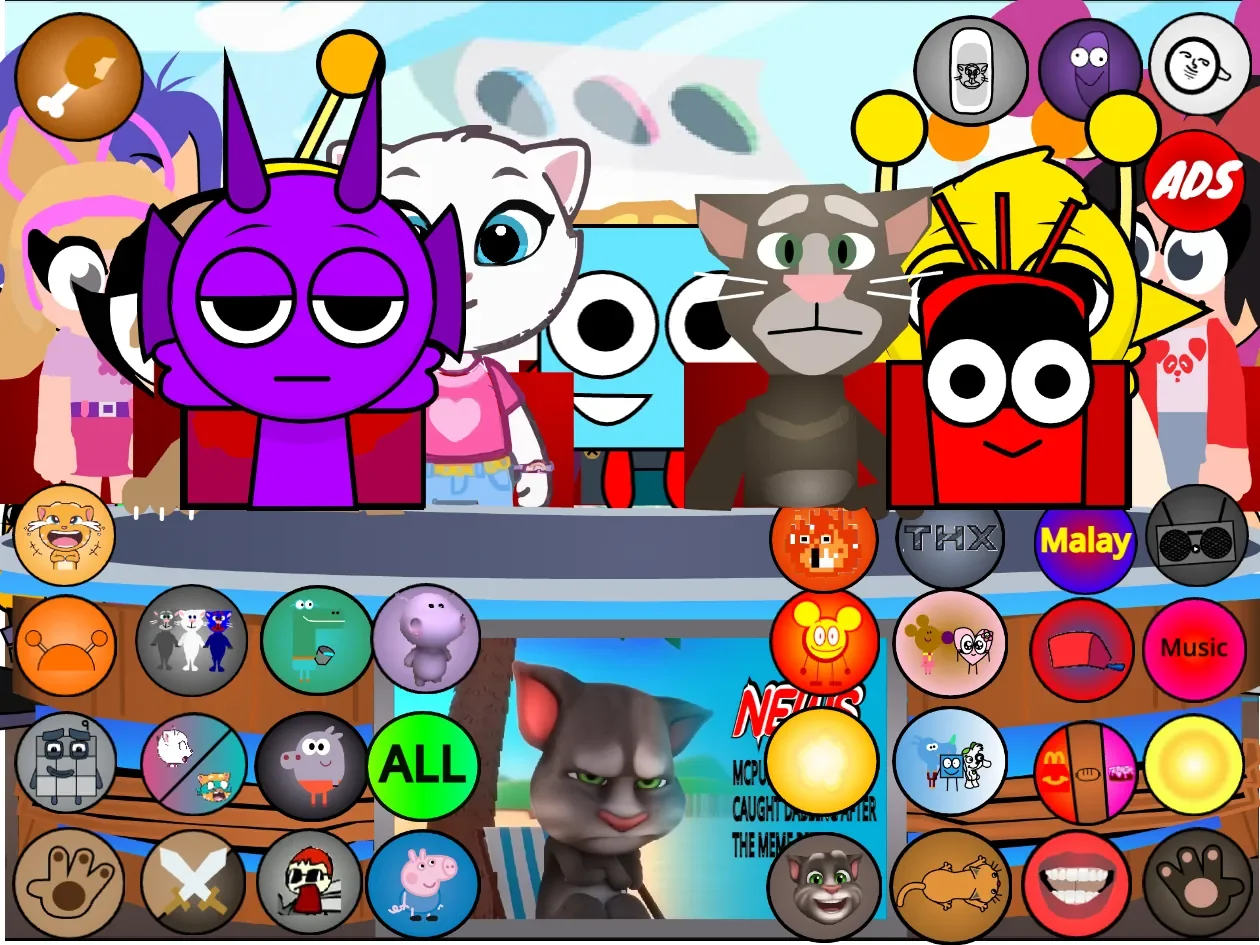
After a brief introductory screen, the main interface presents anchors Tom, Ben, Ginger, and Angela gathered behind the desk alongside a dense crowd of guest figures. Dozens of unlabeled circular buttons occupy almost every remaining strip of screen real estate. Every icon launches a self-contained joke: some trigger brief sound effects or physical reactions, while others begin multi-part sequences that temporarily alter the scenery before returning to the base studio setup.
No keyboard inputs are needed during play. The mouse or touch controls allow direct interaction as soon as the studio appears, though the complete lack of text labels on the interface requires players to learn the board through direct experimentation.
| Action | Input | Result |
|---|---|---|
| Activate a gag | Click or tap a circular button | Starts the illustrated event assigned to that icon |
| Interact with an anchor | Click or tap a visible character | Triggers a fall, reaction, voice line, or related newsroom animation |
| Choose a food event | Press the food button, then select an item | Launches a cake, pineapple, cheese, or other food-based scene |
| Close an interruption | Press the visible X or return icon | Leaves certain advertisements and submenus |
| Trigger everything | Press “ALL” | Starts numerous effects and character events in rapid succession |
Beyond the control panel, visible characters behind the desk respond directly when clicked or tapped. Triggering a cast member can cause a sudden fall, a voiced line, or an physical reaction, adding another layer of manual interaction on top of the primary button grid.
Gag Types, Submenus, and Studio Mass Overload
The central desk retains the foundation of the original Talking Tom and Ben setup, surrounding the anchors with interactive devices. Paw-shaped buttons arm the sides of the desk with airhorns, spring-loaded boxing gloves, and toy dart shooters. A crossed-swords icon initiates physical fights between cast members, while a mouth button causes the anchors to exchange dialogue clips. Characters get drenched, knocked backward, startled by sudden noises, or cut off mid-sentence before the newsroom resets.
Several icons expand into dedicated submenus rather than executing a single animation. The food button opens choices including cake, pineapple, cheese, Yoylecake, and a Happy Meal that triggers its own miniature competition. Selecting the Fanta option drops SpongeBob into the studio, turning a simple refreshment into an argument. Other submenus step away from the broadcast format entirely: a music icon places a radio or boombox onto the desk to start a dance routine, a sun button interrupts the show with a formal presentation, and mask or Boyfriend-hat items equip disguises that lead to character-specific follow-up animations. A promotional icon even pulls up a full Talking Tom Heroes advertisement complete with a functional exit button.
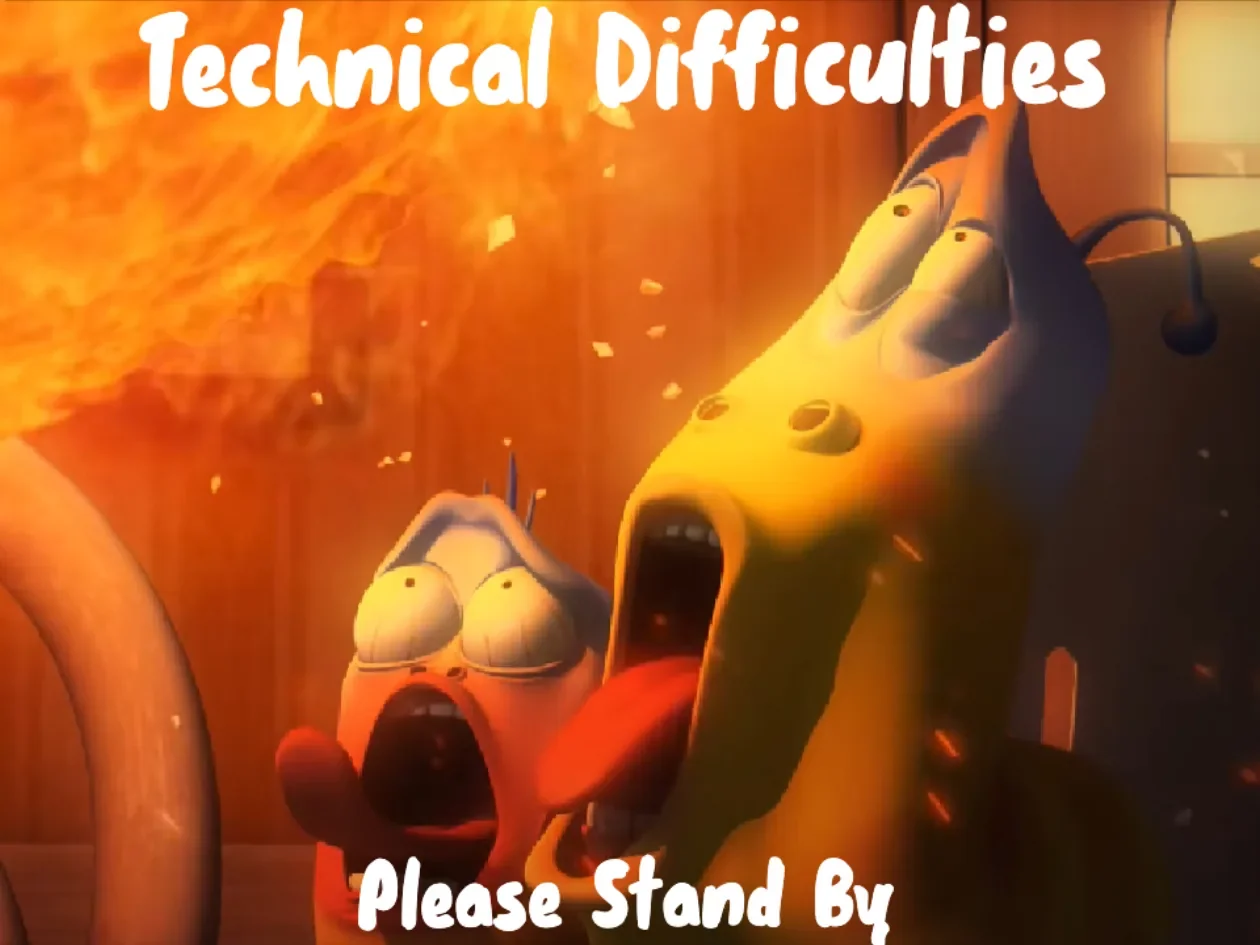
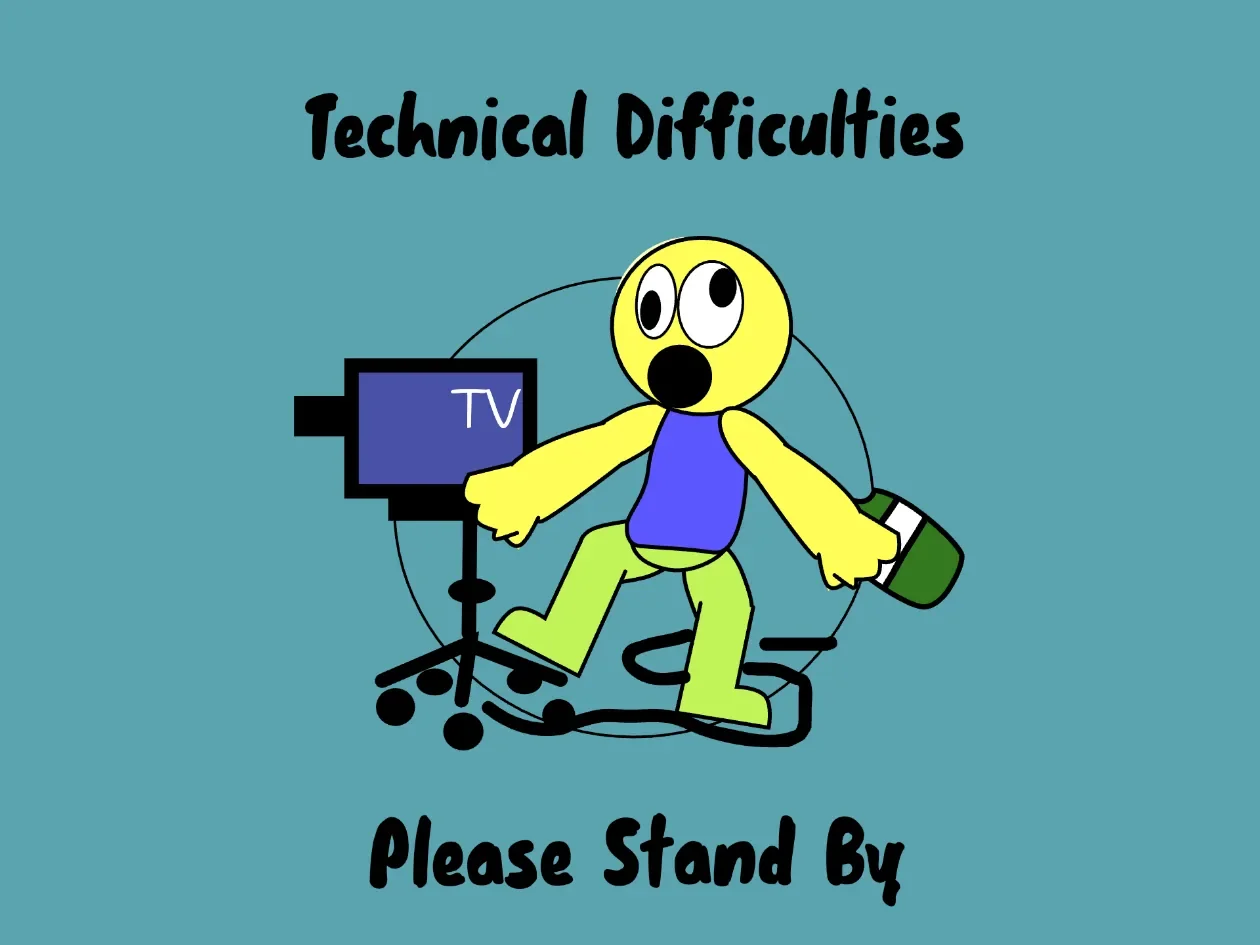
The large "ALL" button functions as the primary point of overload. Pressing it broadcasts dozens of event commands almost simultaneously, mixing fight animations, soundtrack layers, explosions, food drops, guest visits, and technical disruption screens. The resulting pile-up is deliberately disorganized, cutting off individual skits and replacing the broadcast with a full-screen "Technical Difficulties — Please Stand By" notice.
An Expanding Crossover Ensemble Behind the Mic
Tom and Ben share their studio with an unusually large crossover cast drawn from internet animations, fan projects, and mainstream shows. Core Talking Tom figures sit alongside Sprunki-related characters such as Durple, Simon, Pinki, Raddy, Clukr, and Fun Bot. The Powerpuff Girls appear through Bubbles and Buttercup, while Plants vs. Zombies contributes Peashooter and Sunflower.
The guest roster extends further to include SpongeBob, Mickey Mouse, Dr. Octagonapus, Chuchel, Bluey-themed elements, Happy Meal mascots, and numerous custom fan figures. While certain guests only step forward during specific button events, others remain permanently situated in the back rows of the desk, reacting to general explosions and sound triggers.
This broad cast gives the project its primary identity, as familiar characters frequently intrude upon unrelated scenes to steal items, start scuffles, or react to shared props. Many figures feature custom impact frames, alternate facial expressions, unique voice clips, and distinct movement cycles, ensuring that cameos feel like active participants rather than static background art.
Pacing, Visual Noise, and Exploration Without Indicators
Audio design carries a substantial portion of the comedic timing. Punches, crashes, shrieks, airhorns, short musical loops, and exaggerated cartoon sound effects play in rapid succession. Visual transformations match this speed, utilizing foreground props, quick costume changes, and full-screen overlay graphics to shift the scene's mood instantly.
These animated sequences vary in length. While short gags reset almost immediately, complex multi-part sketches lock the interface until the sequence concludes. Demonstrating every interaction requires roughly 33 minutes of continuous play, though the game is designed for flexible, casual sessions where players test a few controls at a time.
Visual clarity remains the project's main trade-off. Because dozens of cast members stand behind the same desk, characters constantly overlap one another and the surrounding control panel. Circular buttons block character faces, screen graphics, and adjacent icons, making it difficult to pinpoint specific anchors or remember which unlabelled button activated a favorite scene. Exploring this dense screen arrangement on Fortcade shows how the project prioritizes sheer variety over orderly navigation, asking players to embrace the overlapping visual noise in exchange for dozens of unexpected character interactions.
The absence of any tracking mechanics, victory conditions, scoring metrics, or save states keeps the layout straightforward, but it also means players must track their own progress. Identifying which of the 50 visually similar buttons have already been tested requires memory and methodical clicking. For players who enjoy crossover animations, internet soundboards, and exploratory clicker sandboxes, the project provides a generous catalog of newsroom disasters.