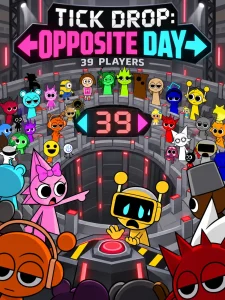
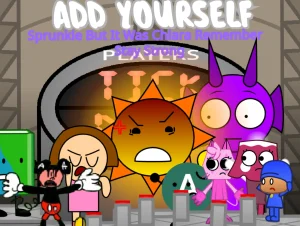
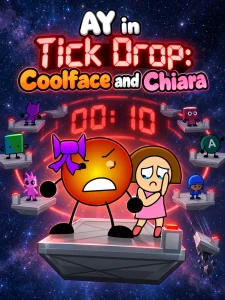
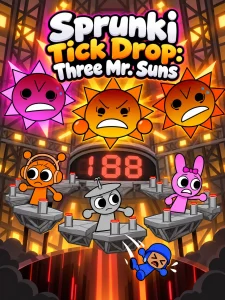
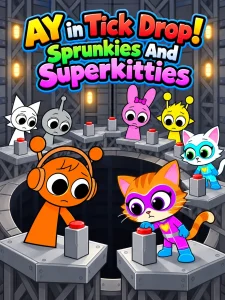
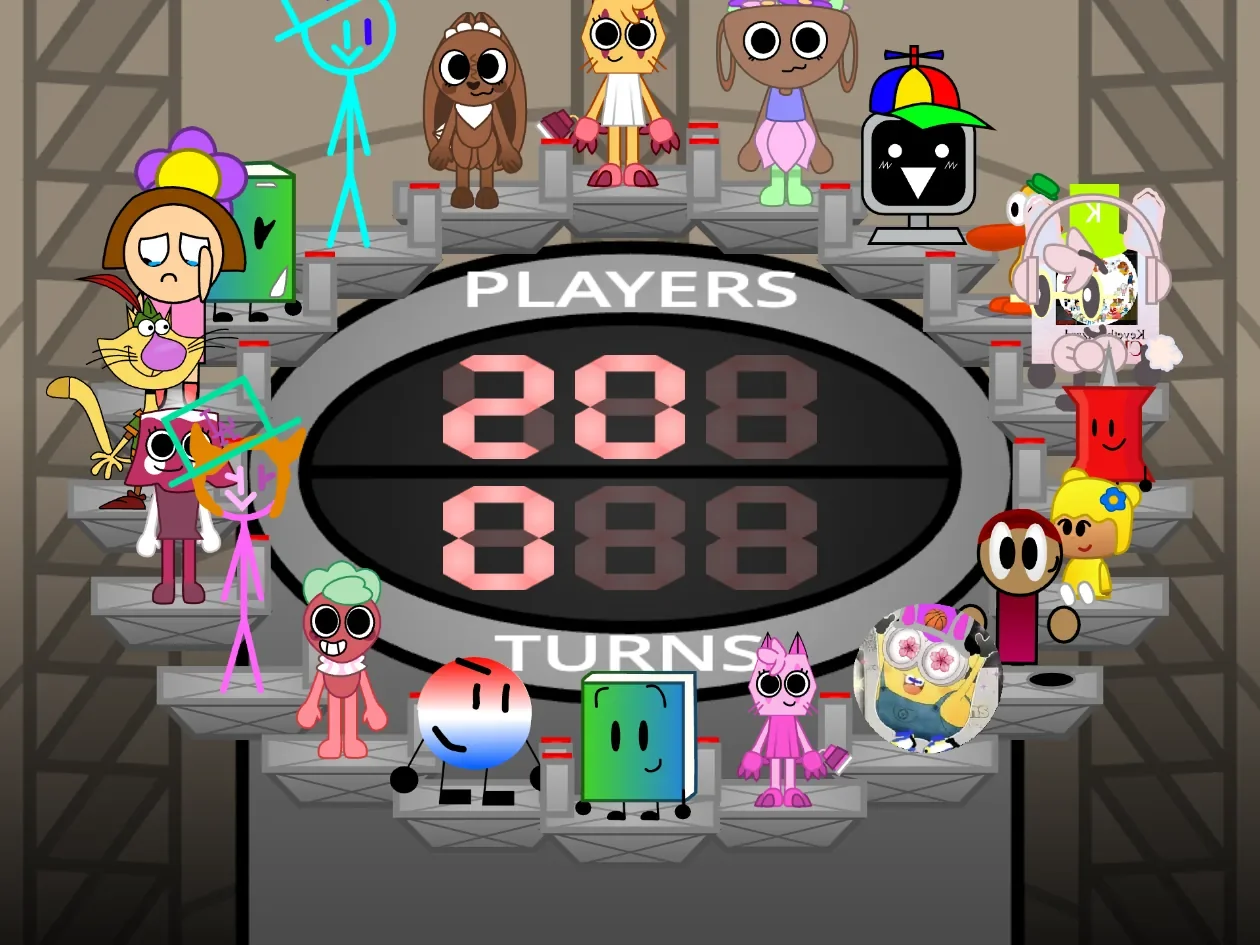
Twenty contestants stand on small metal platforms arranged in a ring around a central digital display. Every round gives players a four-second decision window to click bright "Press" buttons and add to a shared turns counter. Once time runs out, the entire lineup rotates across the arena according to the accumulated score, dropping whichever contestant lands at the bottom position into immediate elimination. In AY in Tick Drop: Chiara's Challenge, influencing which character survives this rotating trial requires managing an unpredictable counting rhythm alongside a crowded crossover cast.
Created by @ChiaraCarrion as a playable remix, the game centers on maintaining a favorited contestant while the total contestant count steadily ticks downward. There is no traditional character-selection menu or direct directional movement. Instead, every player input modifies the total turns count that dictates where the ring stops. Hovering over any character displays their name, while clicking visible on-screen buttons builds the turn total before the rotation phase begins.
 3 Game Screenshots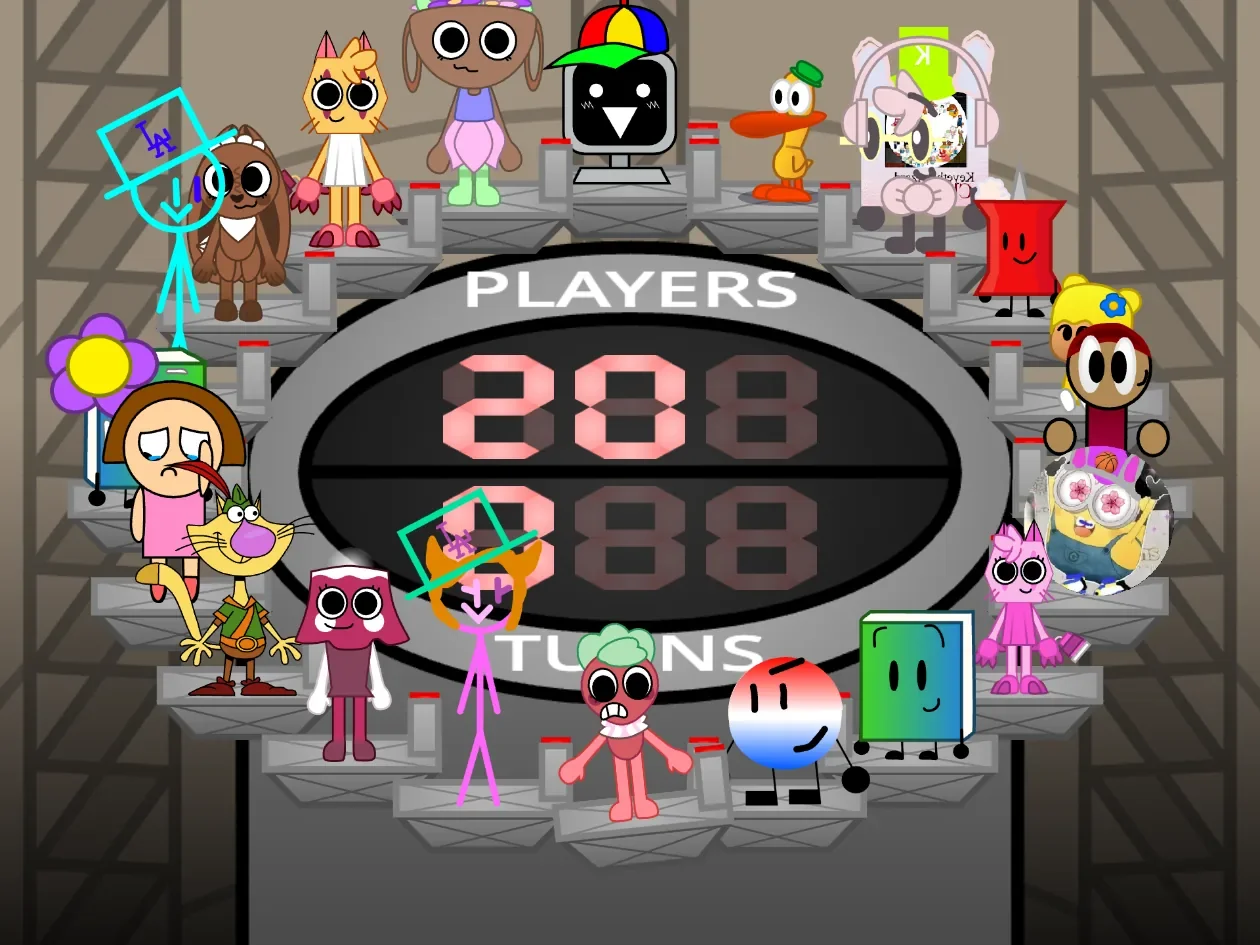
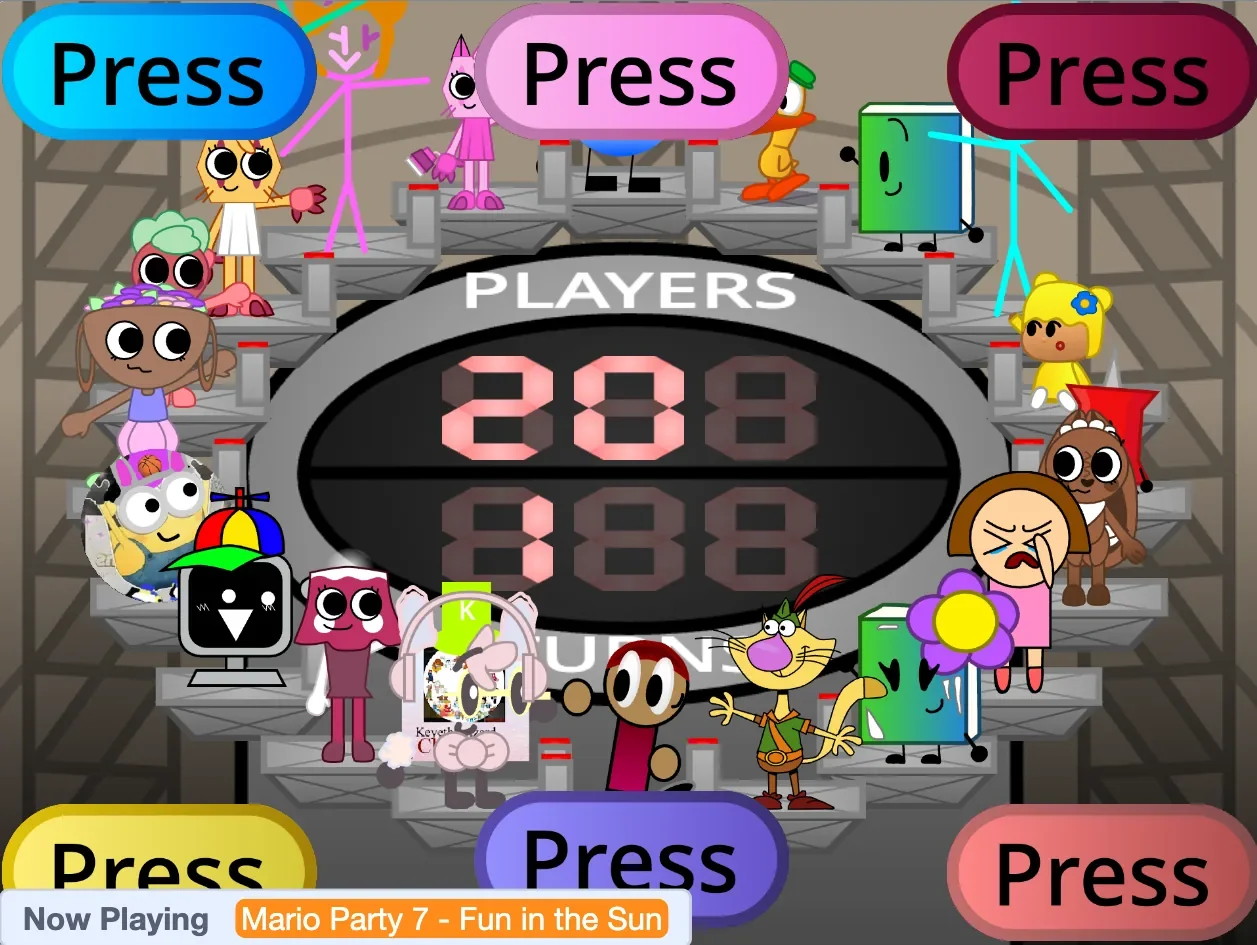
Automatic Shifts and Unpredictable Rotation
What distinguishes this edition from standard elimination setups is the presence of its featured character, Worried Chiara (Grassy). Dressed in a pink outfit with distinct facial expressions for pressing, losing, and celebrating, Chiara does not rely entirely on player clicks. Shortly after each decision window opens, she automatically adds a turn to the central counter on her own. This automated input alters the mathematical outcome of the turn cycle even if a player decides not to touch any controls during a round.
Despite the original Scratch title hinting at an unfair advantage, Chiara remains fully subject to elimination. Matches play out fairly until a single survivor remains. In test matches, Chiara reached a final two-way standoff against Bea, only for Chiara to fall to the bottom spot and leave Bea as the winner. Victory sequences feature dedicated celebratory music, confetti, and custom poses, whether Chiara wins or succumbs to the drop.
| Control Input | Function |
|---|---|
| Green Flag | Starts or restarts the match |
| Mouse Click on "Press" Button | Adds one turn to the shared counter |
| Hover Cursor | Displays the targeted contestant's name |
Interface Layering and Input Constraints
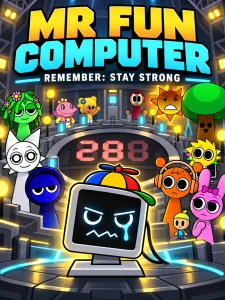
While the industrial backdrop and digital counters present a structured arena, managing inputs during matches is often confusing. The cast brings together varied art styles including Pin, Pato, Mr. Fun Computer, Nature Cat, Brightney, Sprout, Scraps, and several community creations. However, nineteen clickable button sprites are assigned across only six fixed stage positions, causing multiple controls to overlap directly on top of one another.
Because every button is generically labeled "Press" without indicating which contestant it belongs to, clicking away one button sprite frequently uncovers another hidden beneath it. Furthermore, buttons linked to eliminated contestants continue to function and register turns in subsequent rounds. While author instructions suggest using the Space key, testing on Fortcade confirmed that keyboard presses do not register turns; players must rely entirely on clicking the visible on-screen button sprites.
The overall contest operates within a single static elimination mode. While unused artwork and extra assets exist in the game files, they do not trigger secret levels, bonus characters, or alternate game modes. Replay value depends on randomized starting orders, varied button stacking, and watching different crossover figures fight to avoid the bottom platform.