The Living Railway (铁道万象), part of The Small Wonders collection, places a working HO-scale railway on a wooden table in a softly lit hobby room. Trains circle the miniature town, a shunter moves through the yard, cars wait at level crossings, and a harbor crane handles cargo by the water. You can simply watch the scene run, but the real pleasure comes from reaching for the control desk and changing its rhythm.
The game was created with Blender and OpenAI’s GPT-6 Astra, and it openly carries the character of an AI-assisted visual experiment. What keeps it from feeling like a disposable technology demo is the attention paid to cause and effect. Trains respond to separate throttles, points wait until the track is clear, and crossing barriers account for nearby road traffic before closing.
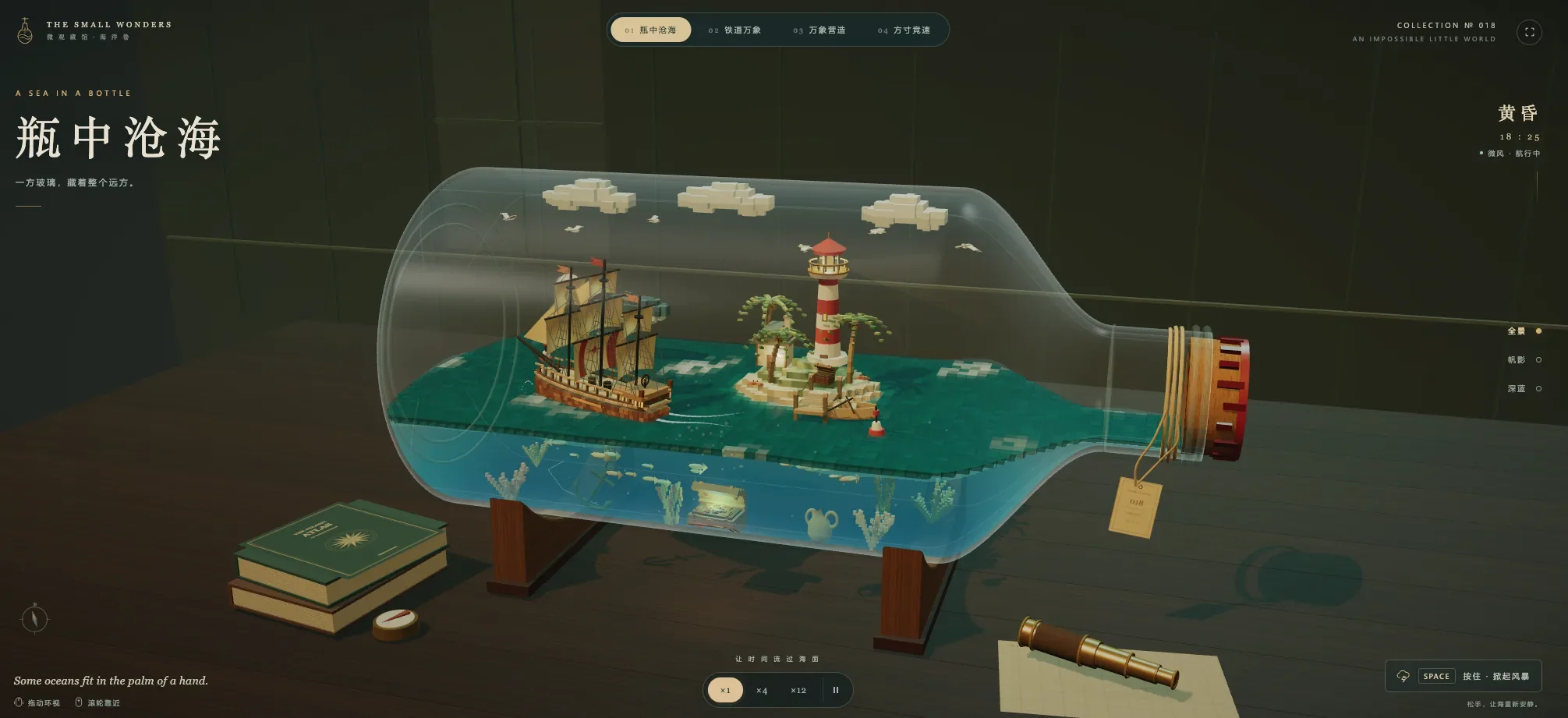
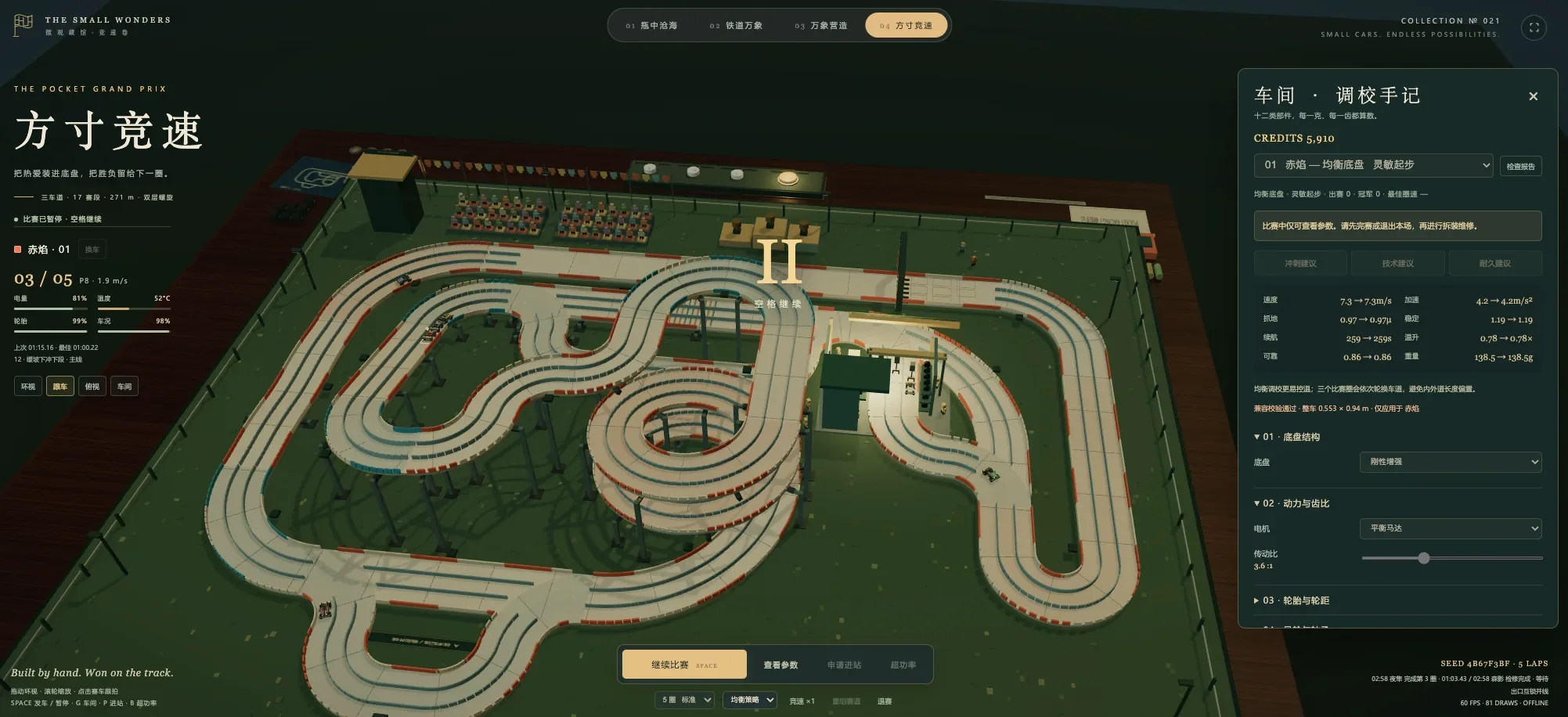
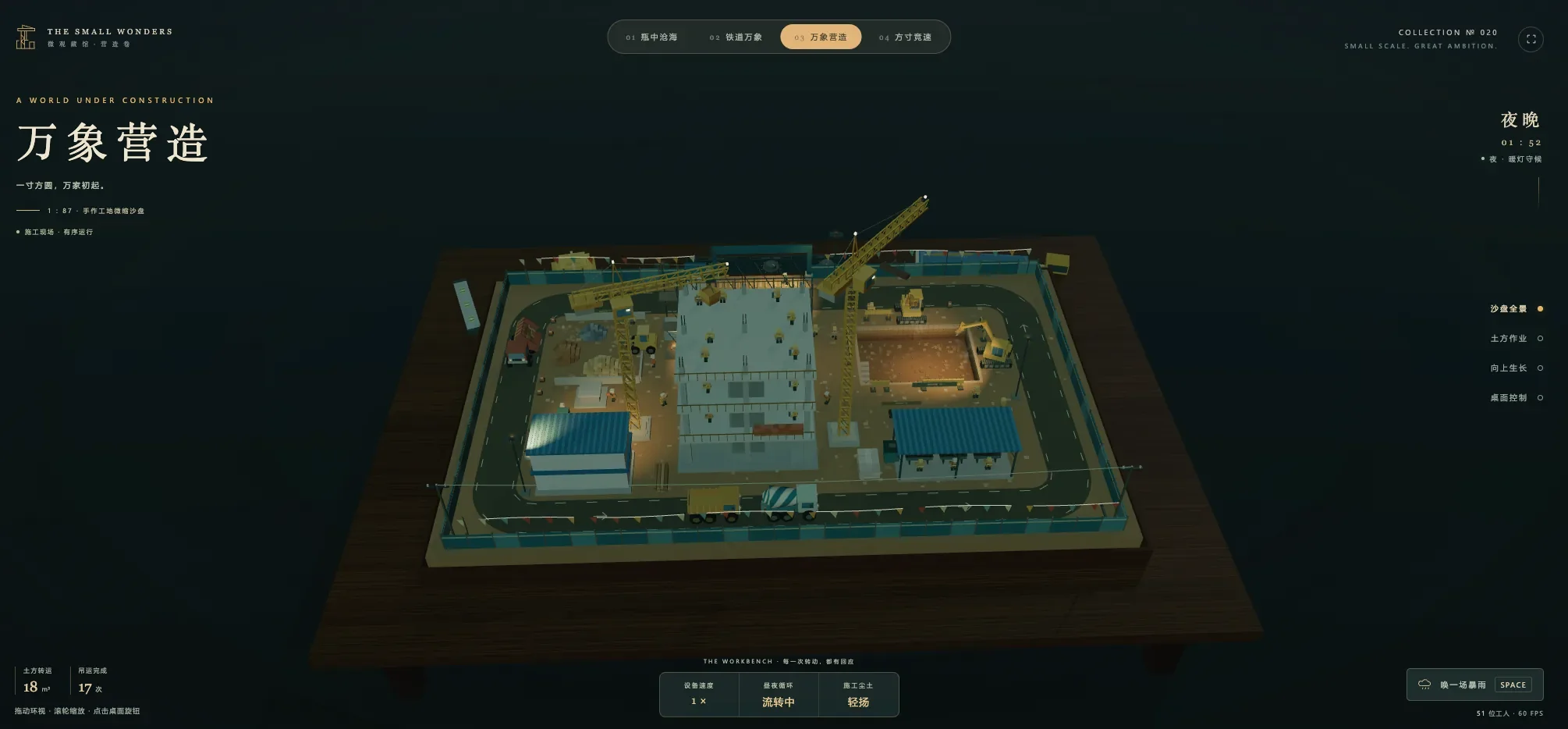 4 Game Screenshots
A Railway That Keeps Moving
Two trains are under direct control. 晨星号, which translates naturally as Morning Star, carries passengers around the layout, while the freight service 海港号, or Harbor, follows its own route at a separately adjustable speed. Selecting either train moves the camera into a following view, bringing the platforms, signals, bridges, and trackside buildings closer.
Morning Star can stop automatically at 林湾站 for six seconds before continuing its circuit. The station stop can also be disabled, allowing the train to pass straight through. Harbor has an independent throttle, so the two services do not need to travel at the same pace.
A third locomotive works as an automated yard shunter. You cannot drive it directly, but it gives the three-track freight yard a useful sense of activity. Its movement also matters when changing routes: if the shunter has not cleared the points, a request for track A, B, or C remains pending until the switch can move safely.
The level crossing follows the same logic. Holding the crossing closed does not immediately drop the barriers onto passing traffic. Cars first leave the tracks, the gates lower, and only then can the train proceed. These short safety sequences are small details, but they make the railway behave like a connected system rather than a collection of unrelated animations.
A Control Desk Built for Experimenting
Most functions are collected inside an expandable dispatching panel. Alongside the two train throttles are controls for station stops, the horn, yard routing, the engine turntable, harbor loading, crossing gates, room lighting, and the passage of time.
| Input or Control | What It Does |
|---|---|
| Space or Emergency Stop | Stops both controllable trains; press again to restore their previous throttle settings |
| H or Horn Button | Sounds the selected train’s horn |
| Passenger and Freight Sliders | Adjust the two trains independently |
| A, B, and C Track Buttons | Request a route through the shunting yard |
| Drag Empty Space | Rotates the view around the model |
| Mouse Wheel | Zooms toward details or pulls back to show the whole table |
| Camera Presets | Switches between overview, train-following, overhead, and control-desk views |
The emergency stop is especially well handled. It brings both main trains to zero immediately, yet resetting it restores the speeds they were using beforehand. That makes it practical for checking the layout without having to tune both throttles again.
The turntable, harbor crane, and crossing controls add movement beyond the trains themselves. None becomes a separate minigame, but each changes what is happening in a different corner of the table. Moving between them gives a short session a pleasant, unhurried routine.
The Layout Comes Alive After Dark
The railway uses chunky voxel geometry throughout, from locomotives and coaches to houses, trees, boats, cranes, bridges, and tiny people. Rather than hiding that block-built construction, the game uses it to give the whole display the handmade character of an elaborate model set.
There is plenty to examine. The station and footbridge occupy one side of the table, while the harbor contains a gantry crane, boats, and waterside freight activity. Elsewhere are engine sheds, a working turntable, industrial buildings, a fairground, a windmill, roads, and small residential areas. Steam and chimney smoke keep parts of the scene moving even when the controllable trains have stopped.
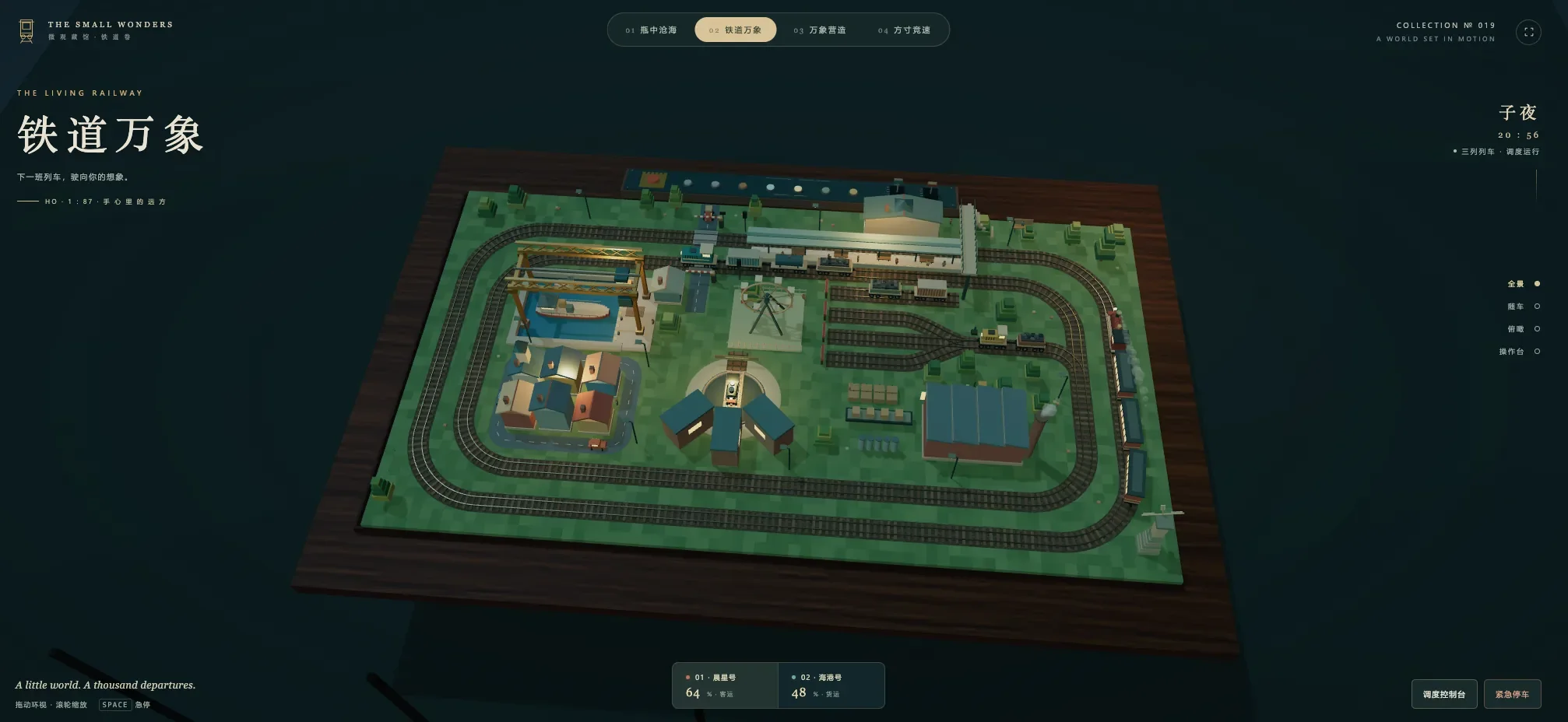
The clock can run automatically or be moved directly to another hour. As daylight fades, windows, streetlamps, and train lights appear across the miniature. The warm lights against the dark green room are among the game’s best visual touches, making the layout look less like a computer-generated scene and more like a treasured display left running late into the evening.
Lighting can also be switched on manually, so you do not have to wait for night. Combined with the different camera positions, this turns the same fixed layout into several distinct views: a complete tabletop exhibit from above, a close journey beside one train, or a darker miniature town picked out by lamps.
A Sandbox Without a Finish Line
The Living Railway does not offer missions, scores, rankings, or a campaign. There is no timetable to satisfy, economy to balance, or final destination to reach. It also does not allow players to build new track, couple individual cars, reverse locomotives, design services, or manage cargo as a resource.
That limited scope is intentional, but it determines who will enjoy the game. Players looking for difficult dispatching puzzles or realistic cab controls may exhaust its possibilities quickly. The interface is also primarily in Chinese, although its clearly grouped buttons and visual responses make the main functions relatively easy to understand.
For model-railway fans, casual players, and anyone who enjoys interactive dioramas, the absence of pressure is part of the appeal. The Living Railway gives you a detailed little system to slow down, reroute, illuminate, and observe. It is not a railway empire or a demanding simulator—just a carefully arranged miniature world that becomes more absorbing once you start changing how it moves.