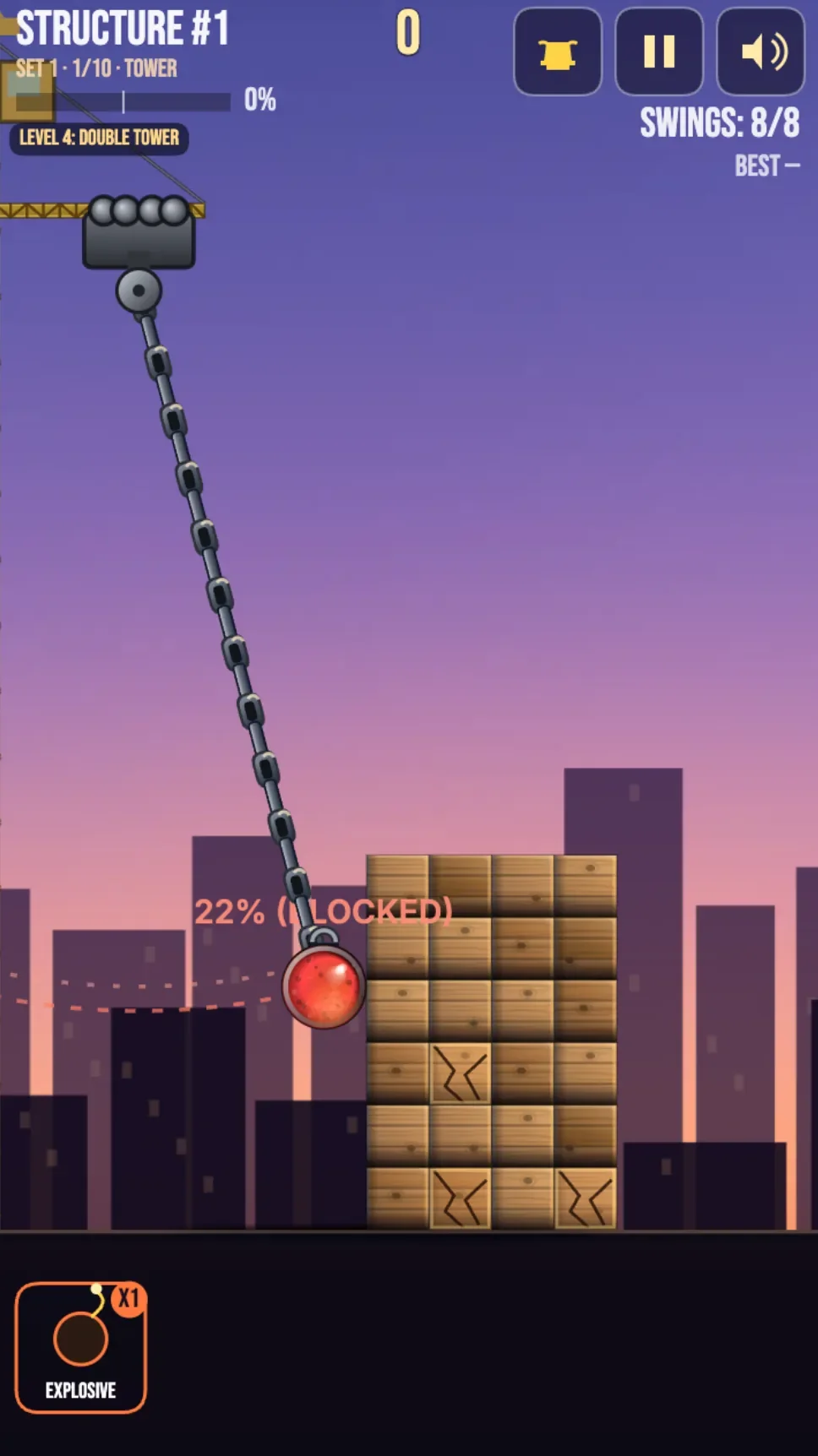
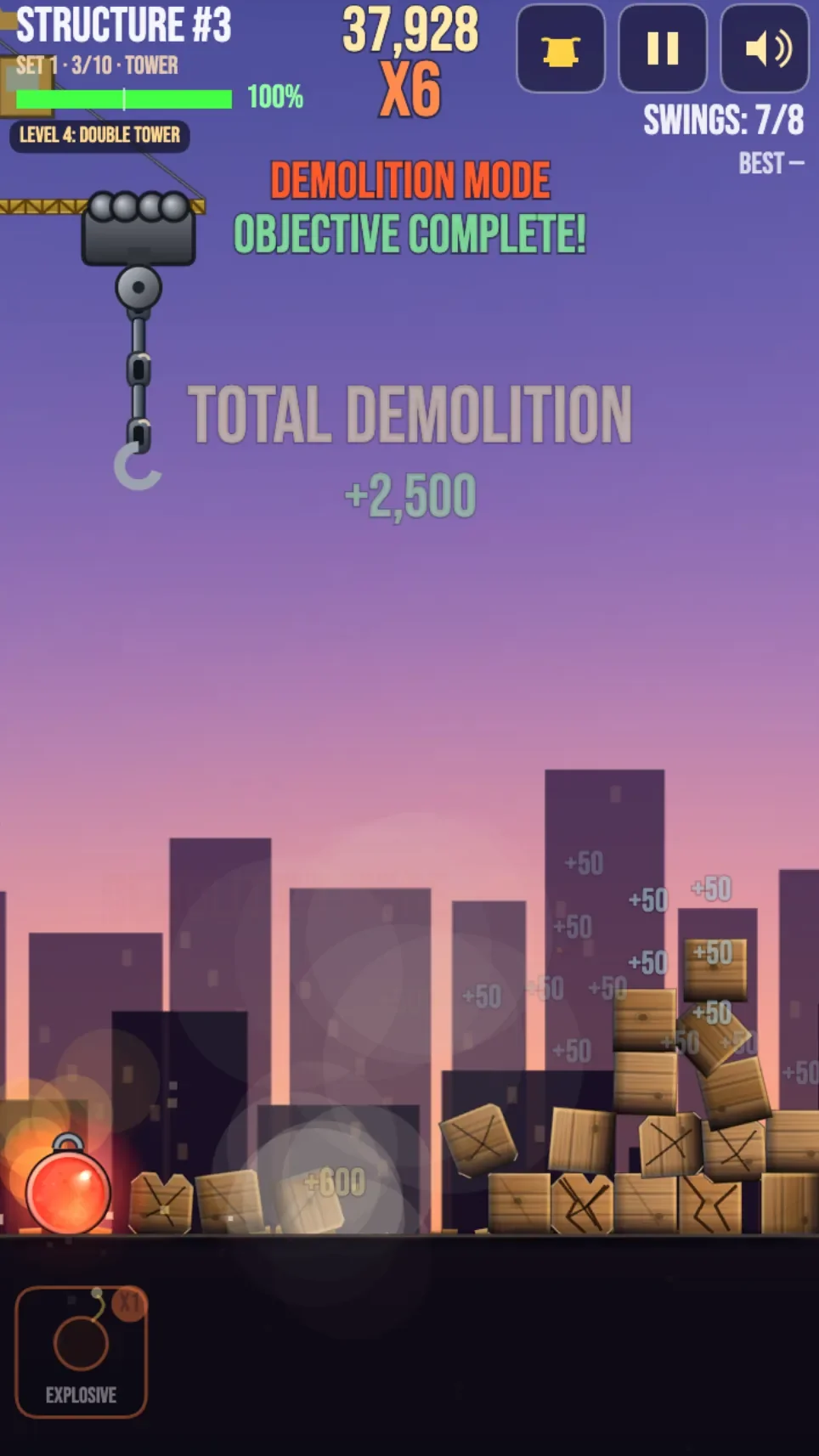
Pulling back on the bright red wrecking ball at the bottom of the screen displays a dotted trajectory line against a minimalist dawn-to-dusk gradient sky. Releasing the projectile in Wrecking Ball Heroes sends it smashing into stacked rectangular ruins, turning neat architectural columns into cascading piles of gray, brown, and rusted red debris. The 2D side-view physics engine models every collision as impact forces transfer through stacked blocks, causing floors to sag, support pillars to buckle, and loose masonry to tumble toward the ground plane.
The continuous gameplay loop operates without traditional fail states or lives, focusing entirely on the process of mechanical demolition. Each procedurally generated structure requires knocking down a minimum percentage of its mass—governed by a default destruction threshold of 70 percent—where blocks must either fall off the active screen area or undergo major physical displacement. When the target threshold is met, remaining debris clears automatically and a brand-new tower constructs itself from the ground up in a brief one-to-two-second animated assembly sequence. This design keeps sessions moving smoothly, prompting players to take another shot as buildings scale up in height and architectural intricacy.
 5 Game Screenshots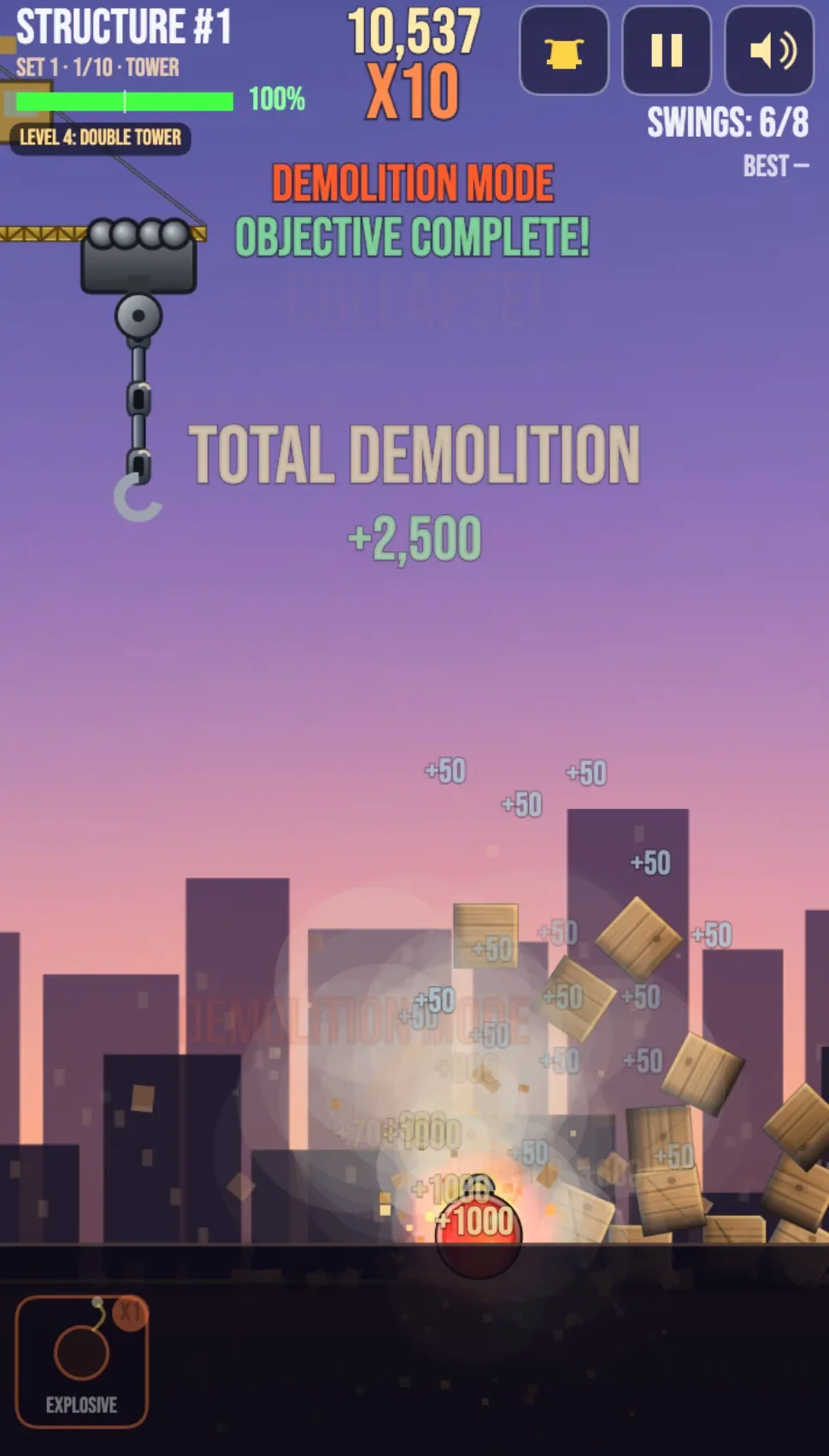
Drag-and-Launch Controls and Trajectory Physics
Launching a heavy payload requires simple drag-and-release mechanics optimized for touchscreens and desktop mouse controls. Players click or touch the wrecking ball positioned at the bottom center of the view, pulling downward and backward away from the target tower. The distance dragged dictates launch velocity, clamped up to a maximum drag distance parameter set by default to 200 pixels. As the ball stretches back like a slingshot, a dotted white or yellow trajectory arc previews the expected flight path.
Input state management prevents overlapping launches while a projectile is actively moving across the canvas. Once launched, the game ignores further drag attempts until the ball either comes to a complete stop or drops off the boundary of the screen. In addition to primary mouse and touch dragging, desktop setups support quick keyboard shortcuts to streamline play and testing.
| Input Action | Control / Key | Result |
|---|---|---|
| Aim and Power | Touch Drag / Mouse Click Drag | Pulls ball backward to set launch angle and velocity preview |
| Launch Projectile | Release Touch / Release Mouse | Applies physics impulse and launches ball along trajectory arc |
| Keyboard Assist Launch | Space Bar | Triggers launch at the active trajectory aim while dragging |
| Manual Reset | R Key | Instantly clears and regenerates the current structure |
Handling window focus events ensures that if a user switches browser tabs mid-shot, the current drag action cancels immediately and world physics pause until focus returns.
Structural Escalation and Visual Collapses
Structures generate procedurally from distinct block geometries rendered on a 2D canvas element. Standard rectangular blocks measure 40 by 80 pixels, long support beams measure 40 by 160 pixels to act as floor spans, and small 40 by 40 pixel square blocks detail corners and weak spots. Palette colors alternate between concrete grays, dark brown timber, and oxidized red metal, giving abstract structures the recognizable outline of crumbling urban ruins.
Difficulty escalates dynamically as players clear successive structures. Early structures consist of straightforward two-to-three-story vertical stacks containing three to five total blocks. Mid-game structures grow into five-to-eight-story buildings reinforced by horizontal floor beams. Late-stage structures stretch into ten-plus-story towers featuring precarious overhangs, isolated single-column supports, and top-heavy layouts. Because the fixed horizontal camera frame stays centered on the demolition site, the view subtly pans vertically to keep tall tower summits within frame.
| Structure Stage | Block Count & Height | Key Architectural Features |
|---|---|---|
| Early Phase | 3–5 blocks, 2–3 stories | Simple vertical stacks and balanced pillars |
| Mid Phase | 5–8 stories | Horizontal beam floors, multi-column bases |
| Late Phase | 10+ stories (up to 15–20 max) | Structural overhangs, single-column weak points, high center of gravity |
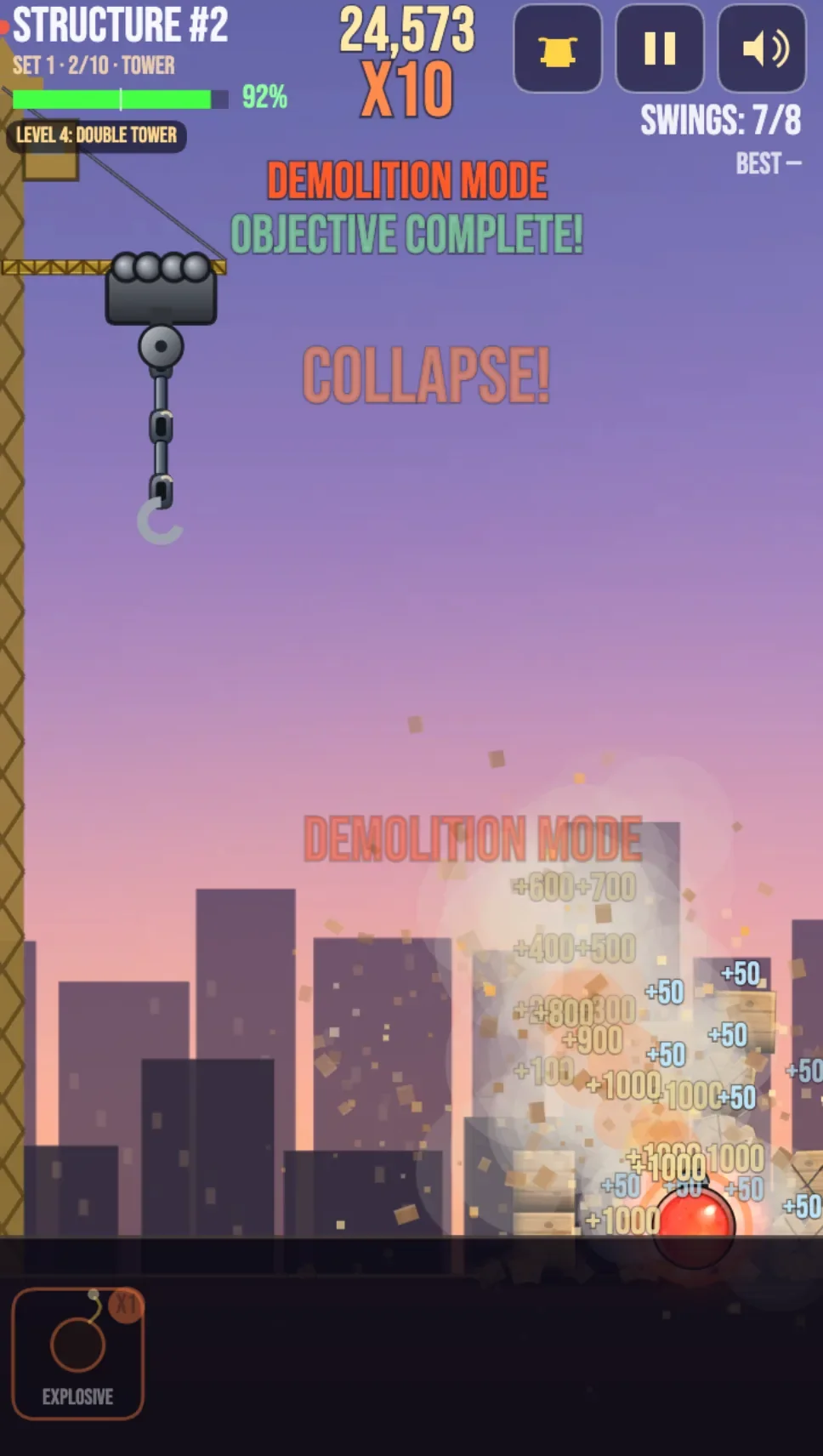
Visual feedback emphasizes heavy impacts through dedicated screen effects. Collisions trigger particle bursts that spray block-colored debris fragments outward, accompanied by soft gray and white dust clouds during massive structural collapses. Larger structural falls activate camera screen shake, reinforcing the momentum of tumbling blocks. On Fortcade, these immediate physical responses and clear visual cues make each collapse satisfying to execute. Player observations confirm that the physics-based destruction mechanics are highly engaging and easy to get hooked on, as identifying structural weak points and watching entire towers crumble under single hits provides immediate visual gratification.
Mechanics Customization in Edit Mode
Beyond standard continuous play, the game includes a deep suite of configurable variables inside its built-in Edit Mode. Players and builders can modify world parameters, block properties, launch mechanics, and structural generation limits across four distinct sub-systems:
- Physics Tuning: Adjust
ballMass(0.5 to 3.0, default 1.0) to change impact weight, modifyballSize(20 to 60 pixel radius, default 40), alter globalgravity(0.5 to 2.0, default 1.0), and adjustblockFriction(0.1 to 0.9, default 0.5) orblockDensity(0.5 to 2.0, default 1.0) to make structures lighter or more resistant to sliding. - Gameplay Tuning: Change
launchPowerMultiplier(0.5 to 2.0, default 1.0) to scale launch speeds, setmaxDragDistance(100 to 300 pixels, default 200), adjustballsPerStructure(3 to 20 balls, default 10), or shift the requireddestructionThreshold(0.5 to 0.9, default 0.7). - Visual Tuning: Select custom hex values for
ballColor(default#FF4444), define custom arrays forblockColorPalette(defaulting to grays, browns, and rusted reds), and scaleparticleIntensity(0.5 to 2.0, default 1.0) alongside camerascreenShakeIntensity(0 to 2.0, default 1.0). - Structure Generation: Fine-tune
startingComplexity(1 to 5, default 1), setcomplexityGrowthRate(0.5 to 2.0, default 1.0), and set maximum tower limits viamaxStructureHeight(8 to 20 blocks tall, default 15).
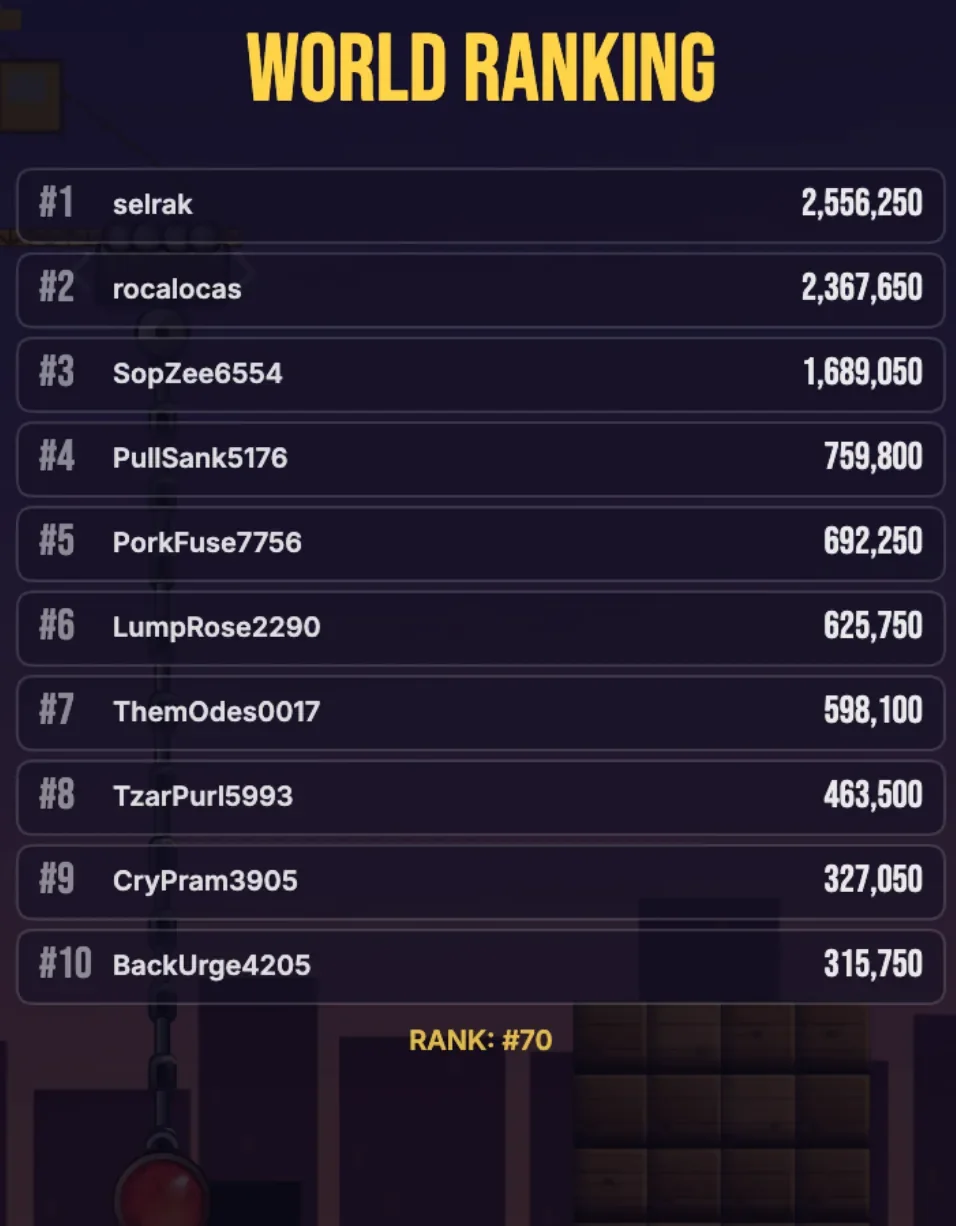
Creator @selrak also addressed technical stability by resolving a title screen startup crash, ensuring that the game logo and title animations render cleanly across varied screen dimensions. These robust internal constraints prevent unplayable physics configurations while giving players full freedom to experiment with destruction force and structural limits.